
Rank formats, channels, private messages and a spam, caps and ad filter. Available in 5 languages.

Formatting, channels & moderation for your chat.
UltraChat takes over the entire chat: formats per rank, channels, private messages and a filter against spam, caps and advertising.
UltraChat is part of the UltraPlugins series: every plugin shares the same colours, the same message layout and the same command structure.
Features
- MiniMessage formats per rank with hover and click actions
- Channels: global, local, staff and custom ones
- Private messages with /msg and /r, social spy for staff
- Filter against swearing, spam, caps and advertising
- Mentions with sound, [item] to show items
- Clear chat, mute chat and slow mode
In-game layout
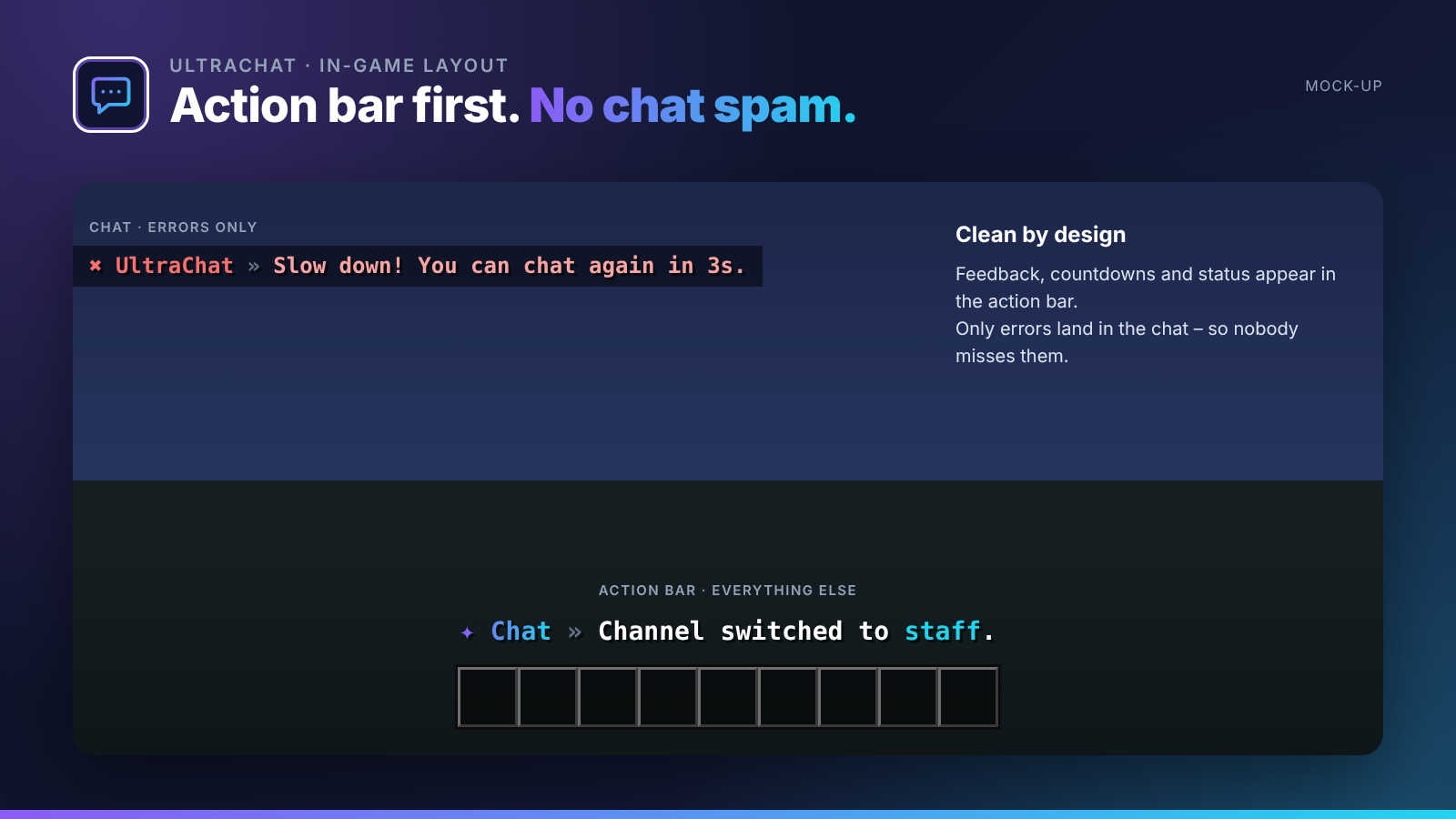
No chat spam. Every confirmation, countdown and status appears in the action bar. Only errors are sent to the chat, so players never miss them. All messages use MiniMessage and can be edited in the language files.
Languages
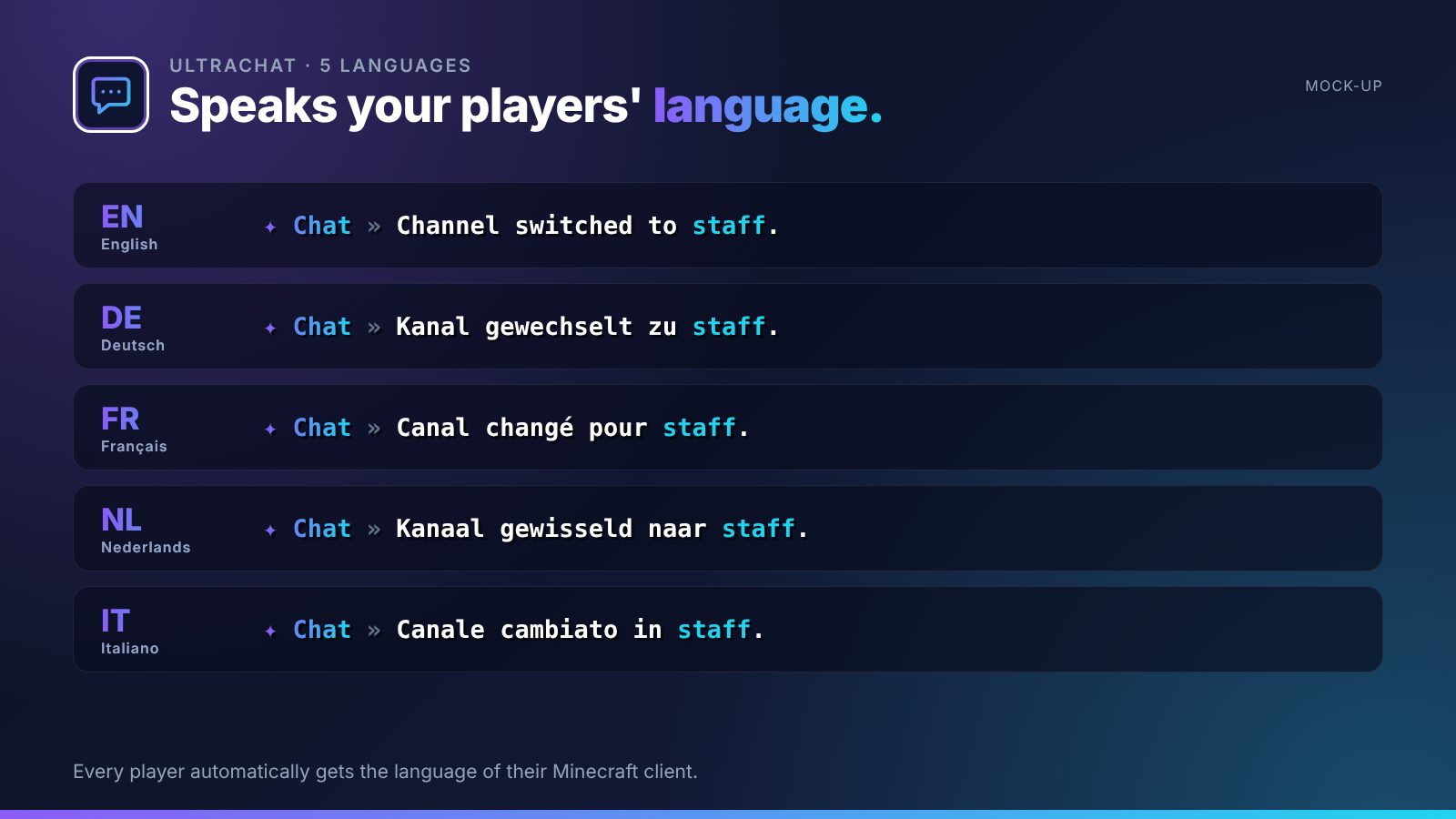
English · Deutsch · Français · Nederlands · Italiano
Every player sees UltraChat in the language of their Minecraft client – automatically. Players with any other language get your default language, which you set in the config or with /ultrachat language <code>. All texts live in lang/<code>.yml and can be edited freely.
Commands
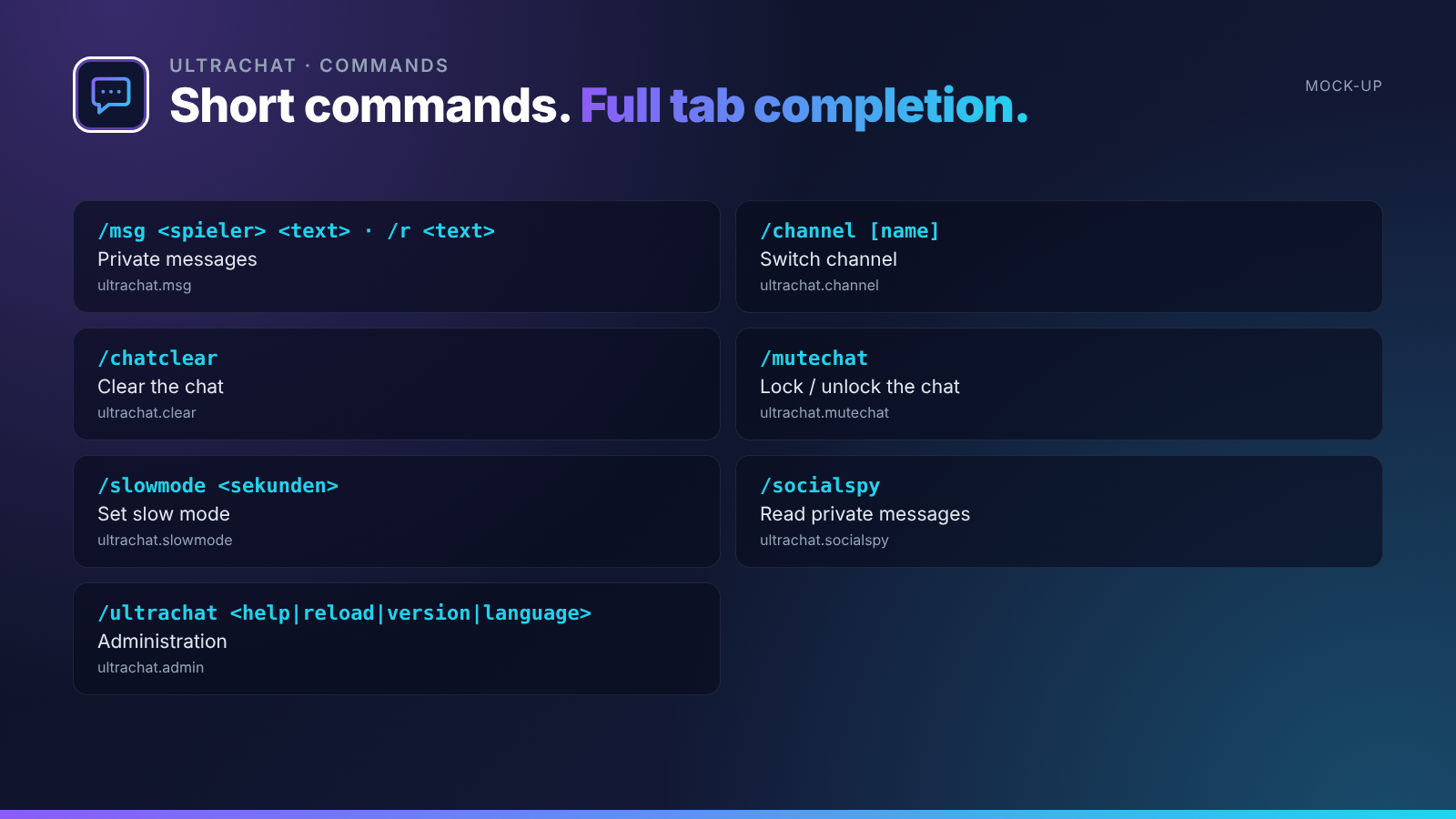
| Command | Description | Permission |
|---|---|---|
/msg <spieler> <text> · /r <text> |
Private messages | ultrachat.msg |
/channel [name] |
Switch channel | ultrachat.channel |
/chatclear |
Clear the chat | ultrachat.clear |
/mutechat |
Lock / unlock the chat | ultrachat.mutechat |
/slowmode <sekunden> |
Set slow mode | ultrachat.slowmode |
/socialspy |
Read private messages | ultrachat.socialspy |
| `/ultrachat <help | reload | version |
Permissions
| Permission | Description |
|---|---|
ultrachat.color |
Use colours in chat |
ultrachat.bypass.filter |
Bypass the filter |
ultrachat.* |
Everything |
Supported versions
| Minecraft | 1.20.4 – 26.3 |
| Server | Paper and Purpur |
| Java | 17+ (whatever your Minecraft version needs) |
Installation
- Drop
UltraChat-1.0.0.jarinto yourpluginsfolder. Works on Paper and Purpur 1.20.4 – 26.3, no dependencies needed. - Restart your server.
- Adjust
config.ymland the files inlang/, then run/ultrachat reload.
The Ultra series
- UltraSpawn – Spawn management done right.
- UltraTeleports – Requests, random teleport & back in one plugin.
- UltraPunish – Clean moderation with GUI, templates & history.
- UltraHomes – Set, manage and share homes in one GUI.
- UltraWarps – Server & player warps with categories.
- UltraEconomy – Fast, Vault-ready economy with multiple currencies.
- UltraKits – Kits with previews, cooldowns & in-game editor.
- UltraVanish – True invisibility for your staff team.
- UltraReports – Player reports with a staff GUI workflow.
Support
Found a bug or have an idea? Please open a report instead of leaving a bad review – we answer every request.
Information
Pinned Versions
- R1.20.4–26.3
Pages
Members
1
Owner