
ExAI brings an LLM-powered, in-game AI assistant to your Minecraft server. It answers player questions with a community-
ExAI — AI Assistant Plugin for Minecraft
ExAI brings an LLM-powered, in-game AI assistant to your Minecraft server. It quickly builds your server's knowledge base through automatic uploads and chat monitoring, and uses RAG to give accurate, server-specific answers. Everything happens inside a chest GUI — no command memorization required.
Project: https://github.com/Crossroadscodes/MC-ExAI
Features
- Chest GUI assistant — players talk to the AI through a clean menu, no chat spam.
- Public chat response — auto-replies to questions in public chat via keyword triggers (configurable cooldown); stays silent when no grounded answer is available to avoid spam.
- Auto knowledge collection — watches the "ask → answer → thanks" flow in public chat and automatically queues AI‑vetted Q&A pairs for OP review.
- Player knowledge submission — players submit Q&A using a written book → AI pre‑filters junk → OP approves/rejects in GUI → approved entries go into the vector store.
- Reward system — Vault currency + custom items granted upon approval.
- RAG semantic retrieval — uses DashScope text-embedding-v3 (1024‑dim) with adjustable similarity threshold.
- OP tools — chat history viewer, knowledge base editor, one‑click promotion of chat logs to knowledge.
- Flexible storage — switch between MySQL and pure local YAML via storage.type; zero database setup for small servers.
- LLM backend — OpenAI‑compatible API (default Aliyun DashScope/Qwen, easily swappable for OpenAI, DeepSeek, etc.).
- Low cost — achieved via configurable cooldown settings and output truncation to minimize AI calls.
Screenshots
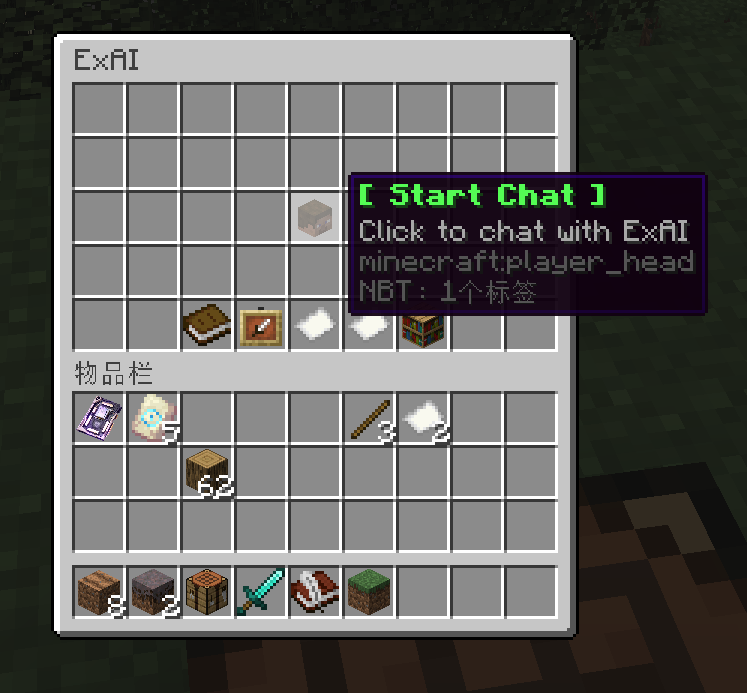
Main menu — Start a chat Hover the player head and click to begin a single-turn dialogue with the assistant.
Start Chat
Main menu — Upload knowledge
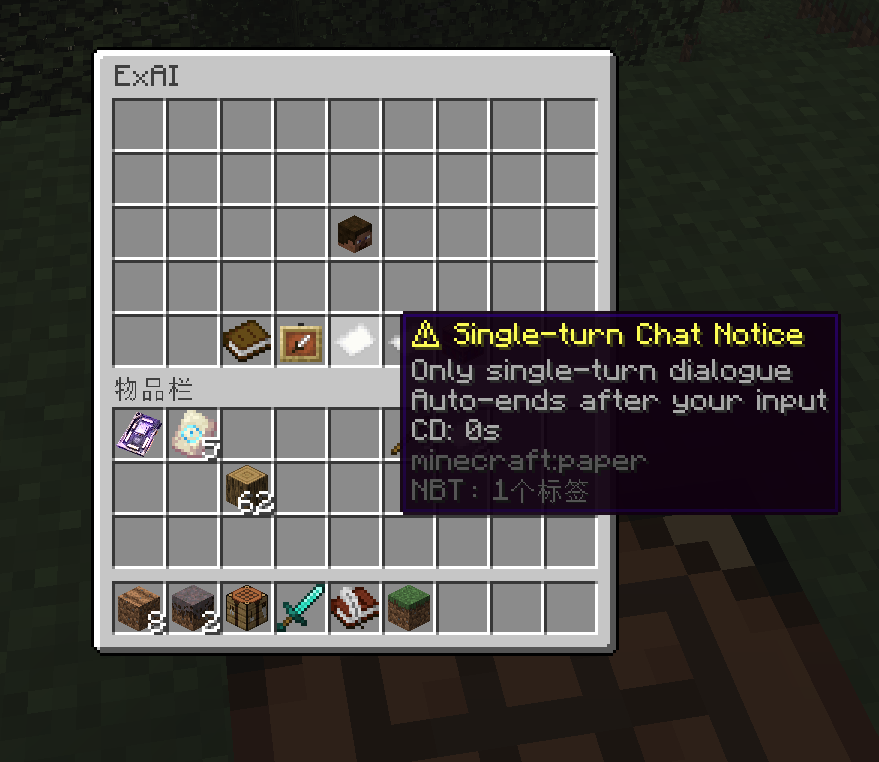
The paper item shows usage info and the current cooldown.
Upload Knowledge
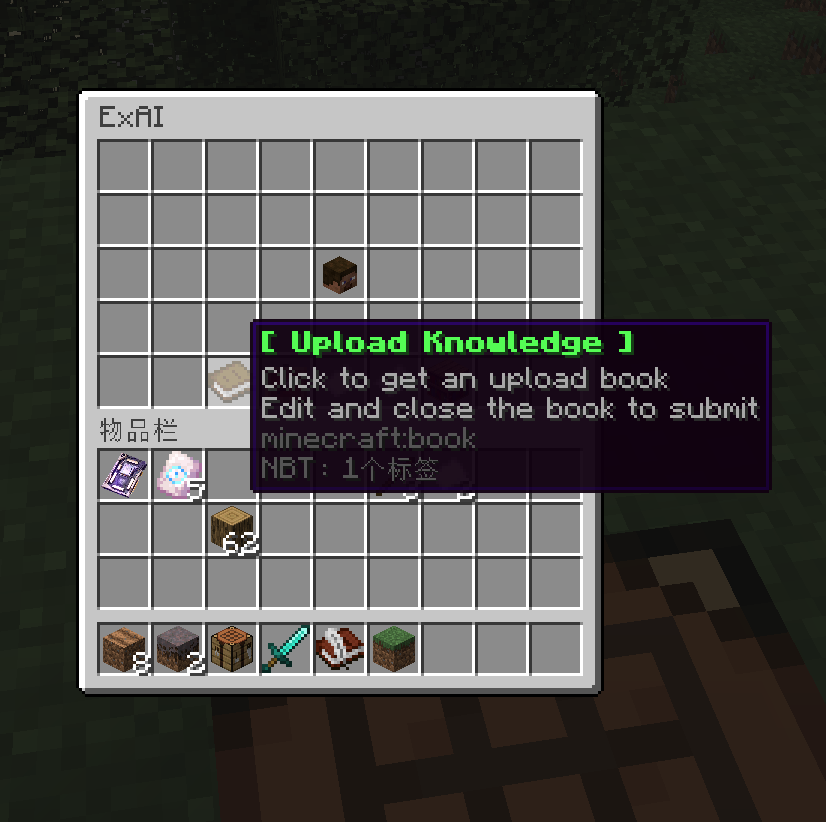
Click the book to receive a writable book; fill in Q: ... A: ... and close it to submit for review.
Main menu — Reviewer panel (OP)
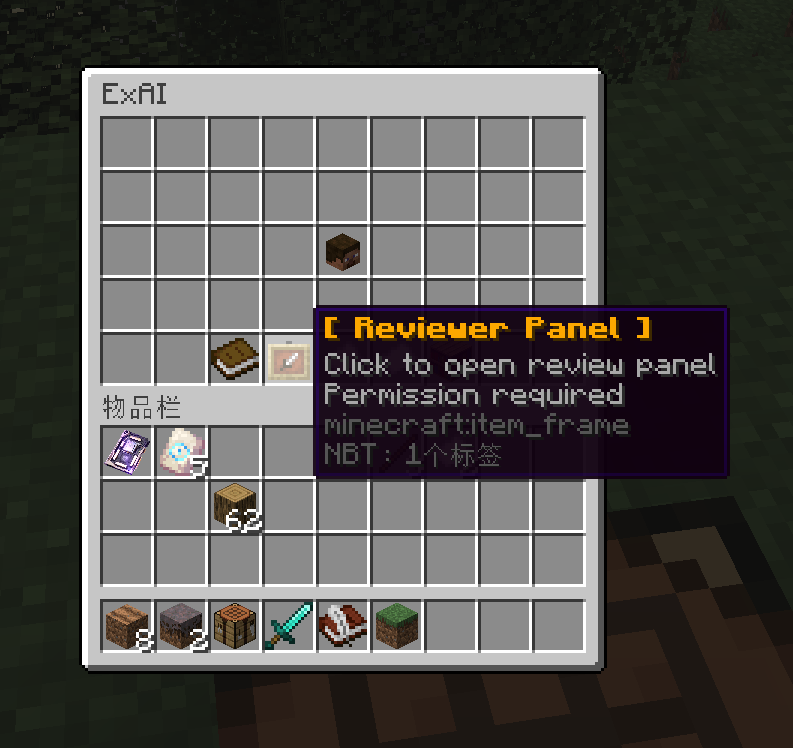
Open the per-page review GUI. Left-click to approve (writes to the knowledge base and pays rewards), right-click to reject.
Main menu — Chat history (OP)
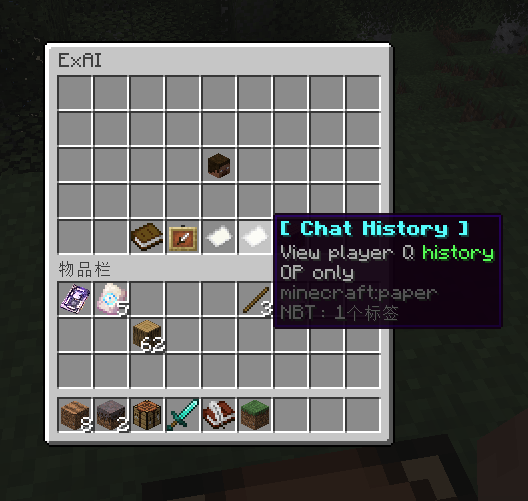
Browse player questions and AI replies; left-click to edit and promote a record into the knowledge base, right-click to delete.
Main menu — Knowledge base (OP)
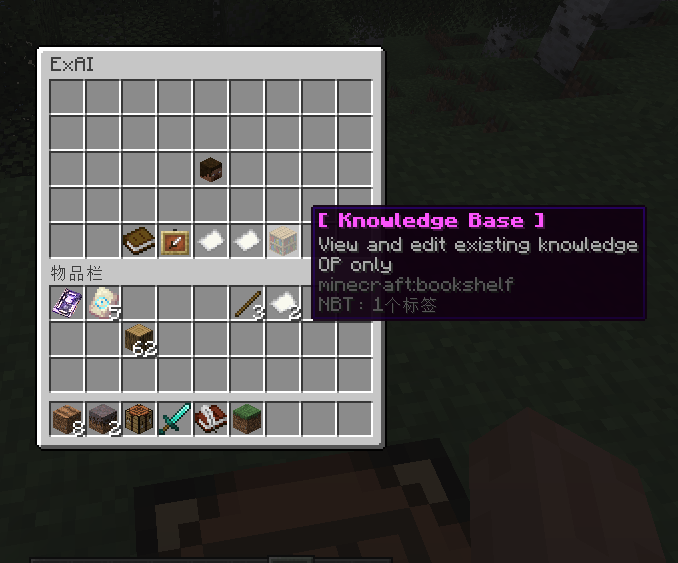
View and edit every accepted entry. Left-click to edit, right-click to delete; the knowledge base auto-reloads.
Public chat in action

Type a question with a configured keyword (?, how, what, etc.) and the assistant replies on broadcast.
Commands & Permissions
Command Description
/exai opengui Open the assistant GUI
/exai question Send a question to a player (OP)
/exai reload Reload config (OP)
/exai help Show help
Permission node: exai.op (knowledge review).
Quick Setup
- Drop ExAI.jar into plugins/.
- Start the server once → edit plugins/ExAI/config.yml:
- Choose storage.type: yml (default, no DB) or mysql.
- If mysql, fill in MySQL credentials.
- Fill in your LLM API key (llm.apiKey).
- Adjust assistant name / language / rewards.
- (Optional) Edit plugins/ExAI/knowledge.yml to seed your knowledge base.
- /exai reload.
Storage modes
- yml (default)
- mysql
Requirements
- Spigot/Paper 1.12.2 or compatible
- Java 8+
- MySQL 5.7+ — only if storage.type: mysql
- Vault — optional, for currency rewards
- An OpenAI-compatible LLM endpoint + embedding endpoint
Pinned Versions
Pages
Members
