
Embeds a lightweight web server into your Minecraft server, allowing you to serve static files
EmptyNetWeb
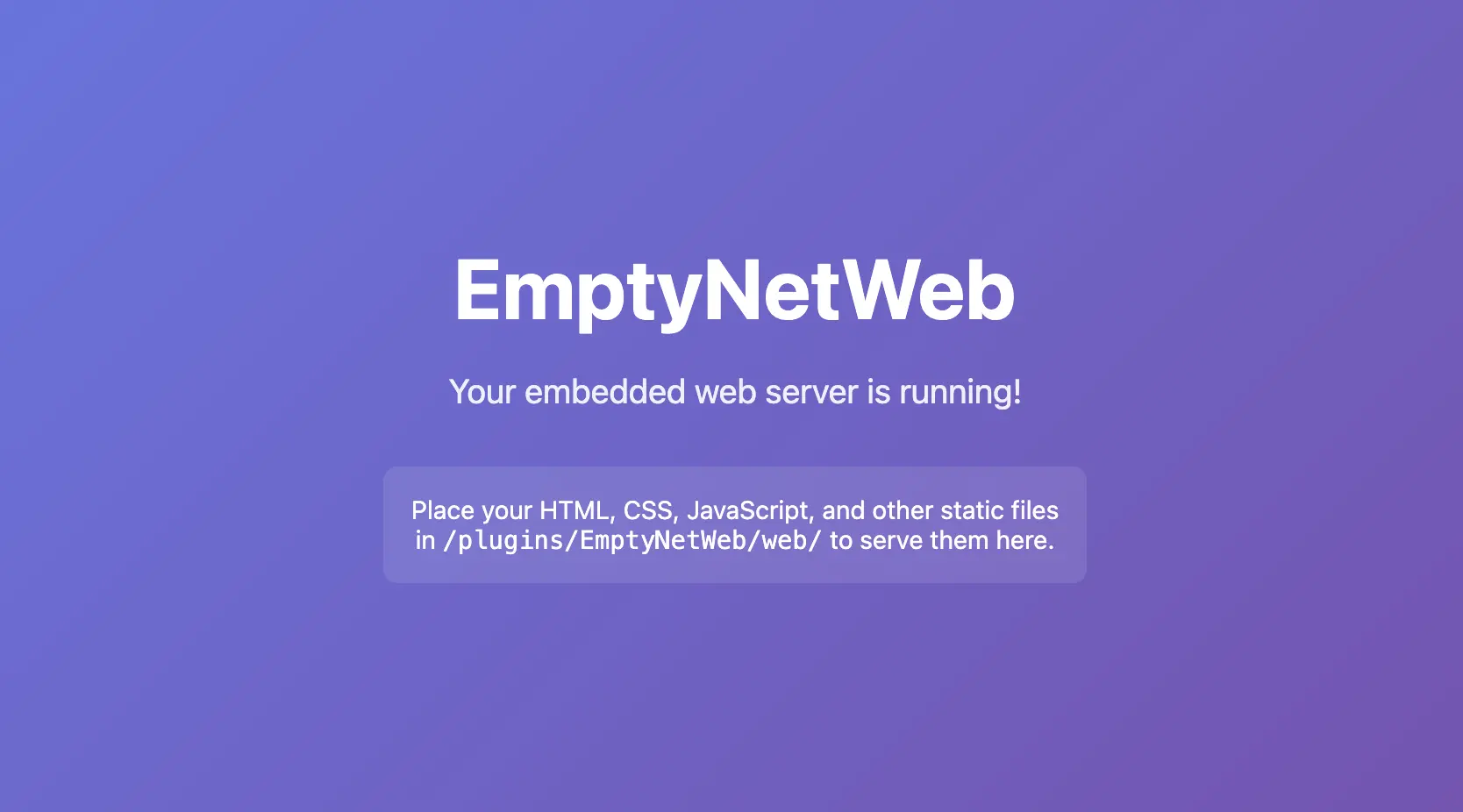
EmptyNetWeb is a lightweight Paper plugin that embeds a zero-dependency HTTP web server directly into your Minecraft server. When the server starts, the plugin automatically launches an HTTP listener that serves static website files from a dedicated directory inside the plugin's data folder.
This means you can host a website, landing page, API documentation, or any static content directly from your Minecraft server — no need for Apache, Nginx, or any external hosting service.
How It Works
The embedded web server uses com.sun.net.httpserver.HttpServer — a built-in JDK class that requires no external dependencies. It:
- Runs in its own cached thread pool
- Serves any file type (HTML, CSS, JS, images, fonts, etc.)
- Automatically detects MIME types based on file extensions
- Prevents directory traversal attacks by normalizing request paths
- Creates a default
index.htmlif the web root is empty - Supports clean shutdown with a 2-second grace period for in-flight requests
Installation
- Download the
EmptyNetWeb-1.0.0.jarfrom the releases page - Place the JAR file into your server's
plugins/folder - Restart your Paper server (or use
/reload— though a restart is recommended) - The plugin will create the following structure automatically:
/plugins/EmptyNetWeb/
├── config.yml
└── web/
    └── index.html
- Open your browser and navigate to
http://your-server-ip:8080/
Configuration
The plugin's configuration file is located at /plugins/EmptyNetWeb/config.yml:
# The port the embedded web server will listen on.
# Default: 8080
port: 8080

# Whether to print a message in the server console
# when a client connects to the web server.
# Default: true
notify-on-connect: true

# Whether to log client connections to a file.
# Logs are stored in: /plugins/EmptyNetWeb/logs/
# Each entry includes the client's IP address and timestamp.
# Default: false
log-connections: false
Configuration Options
| Option | Type | Default | Description |
|---|---|---|---|
port |
Integer | 8080 |
The HTTP port the web server listens on |
notify-on-connect |
Boolean | true |
Show a console message when a client connects |
log-connections |
Boolean | false |
Log each connection (IP + timestamp) to a file for auditing |
Serving Web Content
Place your static files in /plugins/EmptyNetWeb/web/. The directory structure is entirely up to you.
Example Structure
/plugins/EmptyNetWeb/web/
├── index.html
├── about.html
├── css/
│   └── style.css
├── js/
│   └── script.js
├── images/
│   ├── logo.png
│   └── background.jpg
└── fonts/
    └── custom-font.woff2
URL Mapping
| File Path | URL |
|---|---|
web/index.html |
http://localhost:8080/ |
web/about.html |
http://localhost:8080/about.html |
web/css/style.css |
http://localhost:8080/css/style.css |
web/images/logo.png |
http://localhost:8080/images/logo.png |
Note: If a directory is requested (e.g.,
/css/), the server will look for anindex.htmlinside that directory. If none exists, a 404 is returned.
Connection Logging
When log-connections: true is set in config.yml, the plugin records every HTTP request to /plugins/EmptyNetWeb/logs/connections.log.
Log Format
[2026-07-24 12:30:45] Connection from 192.168.1.100 - /index.html
[2026-07-24 12:31:02] Connection from 192.168.1.100 - /css/style.css
[2026-07-24 12:32:18] Connection from 10.0.0.5 - /images/logo.png
Each entry contains:
- Timestamp — Date and time of the request (server local time)
- Client IP — The IP address of the requesting client
- Requested Path — The URI path that was requested
Security
- Directory Traversal Protection: The server normalizes all request paths and rejects any that contain
..sequences, preventing clients from accessing files outside the web root. - No External Dependencies: The web server uses only JDK built-in classes, reducing the attack surface.
- Configurable Port: You can change the port to avoid conflicts with other services.
Supported File Types
| Extension | MIME Type |
|---|---|
.html |
text/html; charset=utf-8 |
.css |
text/css; charset=utf-8 |
.js |
application/javascript |
.json |
application/json |
.png |
image/png |
.jpg/.jpeg |
image/jpeg |
.gif |
image/gif |
.svg |
image/svg+xml |
.ico |
image/x-icon |
.woff/.woff2 |
font/woff / font/woff2 |
.ttf |
font/ttf |
.otf |
font/otf |
.pdf |
application/pdf |
.zip |
application/zip |
.xml |
application/xml |
.txt |
text/plain |
| (other) | application/octet-stream |
Support
For issues or reviews, go to the form
Information
Pinned Versions
- R1.21–26.2
Pages
Members
1
Owner