Welcome to the Hangar Open Beta. Please report any issue you encounter on GitHub!

ShiftFCmd
Open server menu in a flash with Shift + F

Introduction
ShiftFCmd is a simple, practical Minecraft server plugin.
It allows players to quickly execute pre-configured commands when pressing Shift + F.
Suitable for opening menus, using common features, or handling simple but frequent interactions.
Quick Start:
This example uses the "zMenu" menu plugin as a demonstration.
In actual use, please replace the command part with the command players use to open menus on your server.
First-time setup:
- Download the latest version of ShiftFCmd
- Place it in the server's
pluginsfolder - Restart the server (use
stopthen start, do not usereload) - Run the command
sfcmd command player zm open basic_inventory - Done
Updating from an older version:
- Download the latest version of ShiftFCmd
- Place it in the server's
pluginsfolder - Delete the old ShiftFCmd plugin
- Restart the server (use
stopthen start, do not usereload) - Done (configuration files will be updated automatically)
Features
- Execute one or more commands by pressing
Shift + F - Supports running commands as either
consoleorplayer - Most configuration options can be modified via commands — no need to edit config files directly
- Supports English, Simplified Chinese, and Traditional Chinese
- Built-in automatic update checking
- Automatic configuration file updates — no need to manually replace config files when upgrading from an older version
- Separate permission nodes for commands, making it easy to use with permission plugins such as LuckPerms
Commands
| Command | Permission | Description |
|---|---|---|
/sfcmd reload |
sfcmd.reload |
Reload language files and configuration files |
/sfcmd update |
sfcmd.update |
Manually check for plugin updates |
/sfcmd language <en/zh/zh_TW> |
sfcmd.language |
Switch the plugin language |
/sfcmd command <player/console> <command> |
sfcmd.command |
Set the command executor and command content |
/sfcmd switchhand |
sfcmd.switchhand |
Toggle whether the offhand swap action is preserved |
Permissions
| Permission Node | Default | Description |
|---|---|---|
sfcmd.admin |
OP | Grants all management-related permissions |
sfcmd.reload |
OP | Allows use of /sfcmd reload |
sfcmd.update |
OP | Allows use of /sfcmd update |
sfcmd.update.notify |
OP | Allows receiving update notifications |
sfcmd.language |
OP | Allows use of /sfcmd language |
sfcmd.command |
OP | Allows use of /sfcmd command |
sfcmd.switchhand |
OP | Allows use of /sfcmd switchhand |
Notes:
sfcmd.adminautomatically includessfcmd.reload,sfcmd.update,sfcmd.update.notify,sfcmd.language,sfcmd.command, andsfcmd.switchhand- Administrators can use permission management plugins such as LuckPerms to assign these permissions to specific players
Notes
This plugin detects Shift + F by listening for player sneaking and offhand-swap actions.
If a player changes their client key bindings, the trigger will change accordingly and may no longer be the default Shift + F.
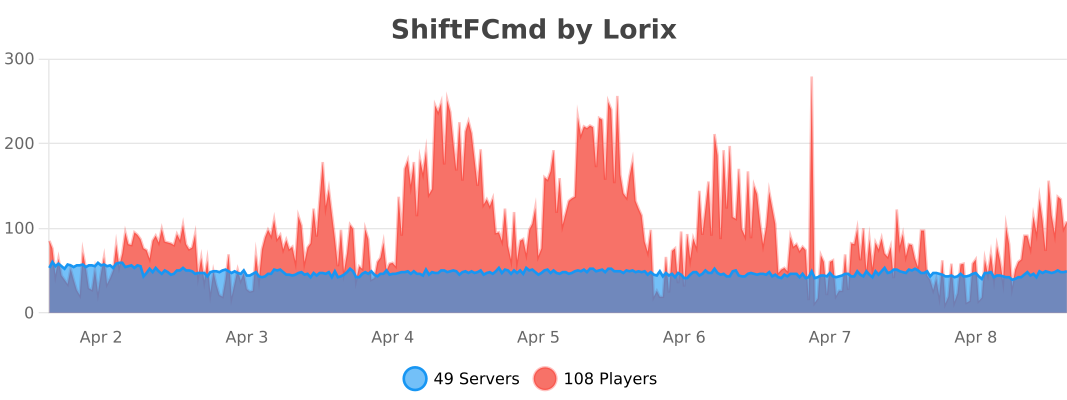
bStats
Information
| Category | Admin Tools |
|---|---|
| Published on | March 31, 2026 |
| License | GPL |
| Downloads | 11 |
| Stars | 0 |
| Watchers | 0 |
Supports Folia
Pinned Versions
Pages
Members

Owner