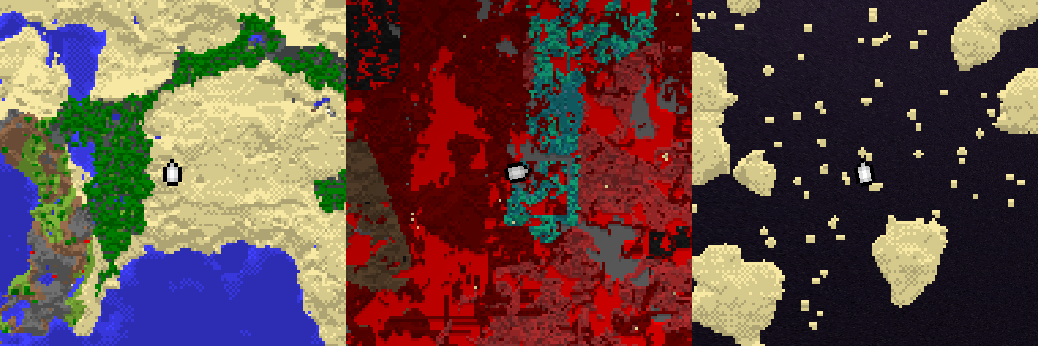
Welcome to the Hangar Open Beta. Please report any issue you encounter on GitHub!
Avatar for NezuShin

Papermc plugin to display Minimap on vanilla client

Report NMinimap?

NMinimap

Serverside minimap based on core shaders

Features

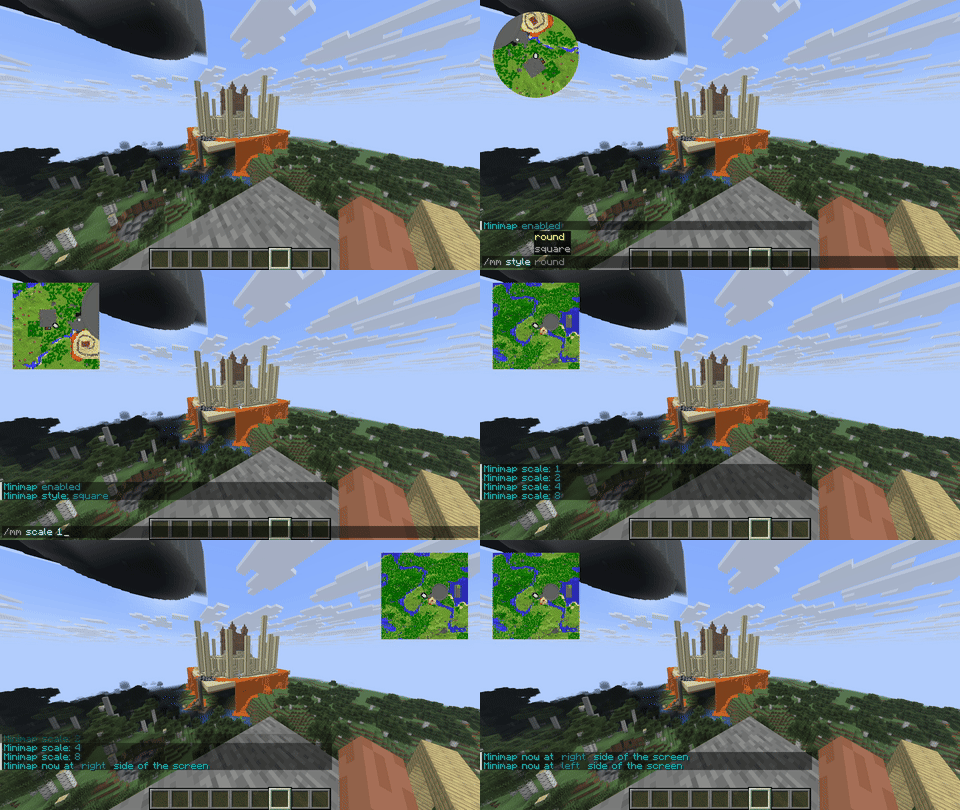
  • Round and square minimap
  • Unlimited amount of custom markers
  • Side of the screen selection (left or right)
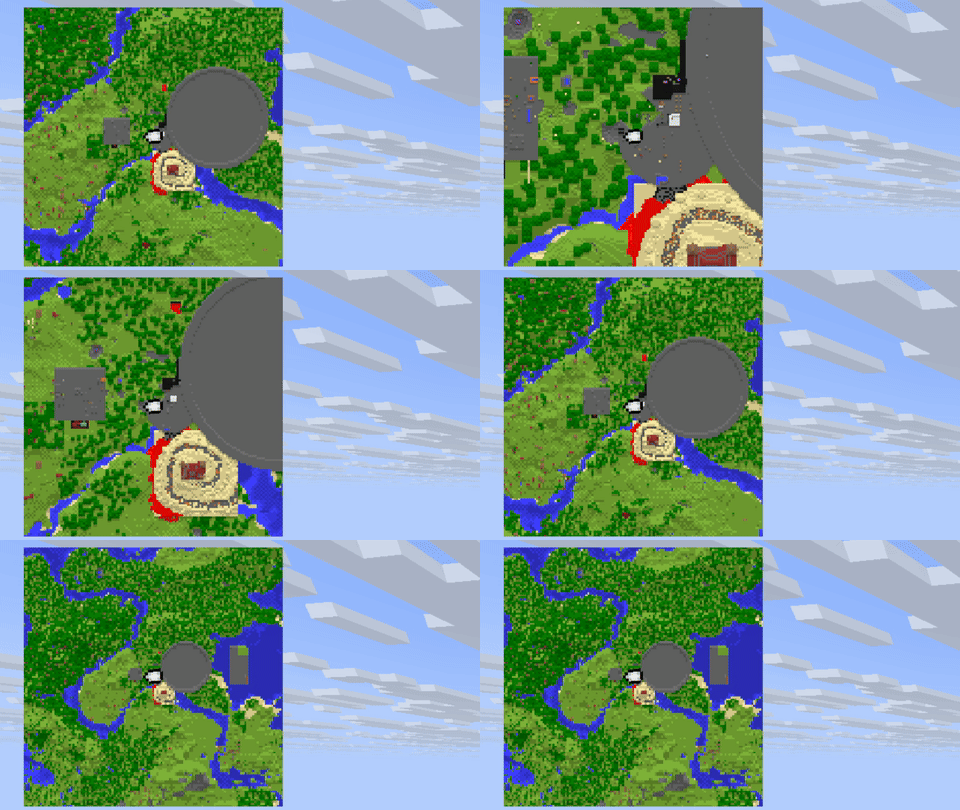
  • Scale of map from 1x (1 pixel = 1 block) to 8x (1 pixel = 8x8 blocks)
  • Async work as much as possible
  • Map size up to 127 x 127 pixels
  • Automatic resource pack build

Supported server platforms

Showcase

Dependencies

Installation

  • Install all dependencies
  • Download jar from releases and put it to the server's plugins directory.
  • Restart the server

Also, you can configure PackMerger or Resource Pack Manager for resource pack merge and distribution

Permissions

  • nminimap.admin - access for /minimap admin command
  • nminimap.scale.1/2/4/8 - access for /minimap scale command (if enabled in config)
  • Another minimap commands can be accessed without any premissions

Admin commands

  • /minimap admin reload - reload config
  • /minimap admin stats - get statistics info

User commands

  • /minimap scale 1/2/4/8 - set map scale. 1 - one block per pixel, 2 - four blocks per pixel (2x2 zone), etc
  • /minimap side left/right - set side of the screen where map will be displayed
  • /minimap style round/square - set map round or square
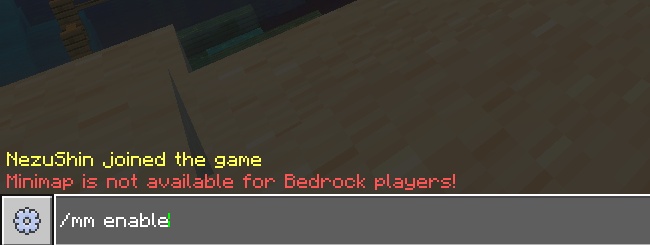
  • /minmap disable/enable - disable or enable map

PlaceholderAPI Placeholders

  • nminimap_enabled - true or false
  • nminimap_scale - 1, 2, 4, 8
  • nminimap_side - right or left
  • nminimap_style - round or square
  • nminimap_stats_loaded_tiles - count of tiles in ram, number
  • nminimap_stats_cache_size - total count of all cached chunks, number
  • nminimap_stats_enabled_maps - how many players use map right now, number
  • nminimap_stats_threads - how many plugin's threads running right now, number
  • nminimap_stats_disk_total_space_g - total available disk space in gigabytes, number (double)
  • nminimap_stats_disk_free_space_g - free space on disk in gigabytes, number (double)
  • nminimap_stats_disk_total_space - total available disk space in bytes, number
  • nminimap_stats_disk_free_space - free space on disk in bytes, number

Markers

Markers are just font images with special marks on texture, so they have same limitations:

  • No animations. But you can replace the icon to another one every AsyncMarkerRenderEvent call using API.
  • Texture size is limited to 256 x 254 pixels (two extra columns used for marks)
  • Note that large amount of big images can significantly slow down resource pack loading.

To add marker, drop your image to markers directory and type /minimap admin reload. New resourcepack will be generated.
You can make images smaller by increasing image size with same texture. Like in player_small default marker.

Compatibility

Core shaders and another plugins

Plugin uses rendertype_text shader, so shaders for hud or text decorations may not be compatible. In most plugins you must disable text decorations for NMinimap work.
Patched shader for BetterHUD is already provided. If you are developer you can add compatibility with your plugin using this example easily

Mods

Plugin can turn off some mod-driven minimaps at all or while serverside minimap enabled:
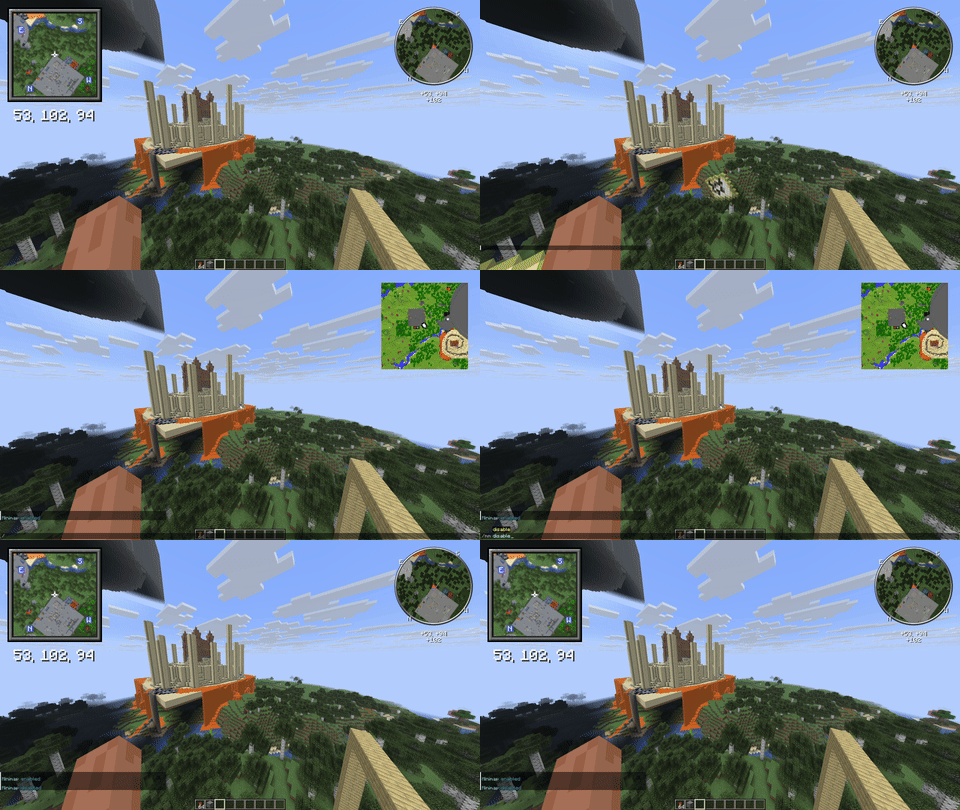
Supported mods:

Known incompatibilities
  • ImmediatelyFast - Stores all maps to one atlas, which breaks shader logic

How does it work?

Maps

Plugin spawns packet-based invisible item frames with a map in it and renders the map with special sequence on first row. Shader detects this row and places the map at corner of the screen. Vanilla maps still works (Except one map id used for display. Id is configurable).
The first map column is also disabled for symmetry.

Markers

Marker images have for pixels with specific color on then's corners. For every combination of map style and screen corner image is being created. Four images in total
Also color of image is used. Red is X position on map. Green is Y position on map. Blue is marker rotation.

API

Change player's map settings

public void changeSettings(Player p) {
    var player = NMinimap.getInstance().getPlayersWithMap().stream().filter(i -> i.getPlayer().equals(p)).findFirst().orElse(null);

    player.setEnabled(true);
    player.setScale(8);
    player.getRight(true);
    player.setRound(true);
}

Draw on map and add markers. Both events being called on every map redraw.

@EventHandler
public void drawDot(AsyncMapRenderEvent event){
    byte[] mapData = event.getMapData();

    //middle of the map
    int x = 64;
    int y = 64;

    //Accepts only colors from ColorUtil.colors. Another values will result transparent color
    mapData[x + (y * 128)] = ColorUtil.exactColor(ColorUtil.colors[10]);


    int anotherX = 1;//first row is reserved for internal use. First **column** is disalbed for symmetry.  Displayed map has resolution 127 x 127
    int anotherY = 1;

    //Similar to deprecated MapPalette.matchColor(). Will find most nearest color.
    mapData[anotherX + (anotherY * 128)] = ColorUtil.getNearestColor(Color.fromRGB(255, 0, 0));
}

@EventHandler
public void drawMarker(AsyncMarkerRenderEvent e){
    List<NMapMarker> markers = e.getMarkers();

    String markerIcon = "player";//Icon from NMinimap/markers directory

    //Add marker with fixed location
    markers.add(new LocationMarker(markerIcon, new Location(e.getPlayer().getPlayer().getWorld(), 1, 1, 1)));

    int positionMarkerX = 0;//Accepts values from -127 to 127. -127 - left. 127 - right
    int positionMarkerY = 0;//-127 - top. 127 - bottom
    int positionMarkerRotation = 0;//from 0 to 256. 0 points top, 128 points bottom

    //Add marker with relative position on map.
    markers.add(new PositionMarker(markerIcon, positionMarkerX, positionMarkerY, positionMarkerRotation));

}

Inspirations

Credits

Help and support

If you have questions, want ask for a feature or report a bug - feel free to open issue,
Also you can ask a question in the discord server.

Running on spigot

Spigot is outdated server software and should not be used in production. However, it is possible to run NMinimap on Spigot.
Main problem is that spigot, unlike paper, cannot load chunks asynchronously. To run on spigot, you need to set max-render-threads config property to 1. Otherwise, the server will freeze on chunck generation.
Also recommended to set max-scale to 1 or 2 to reduce server load.

Information

CategoryGameplay
Published onApril 7, 2026
LicenseGPL
Downloads4
Stars4
Watchers1
Supports Folia

Members