
A web panel for remote control of the Minecraft server, statistics, Players stats and more.
 # MC-Server-Admin-Panel
MCpanel is a plugin that adds a web-based administration panel for your Minecraft server, accessible via a browser.
After logging in, you can send commands via the console, get a list and statistics of online players, change player settings, change server settings, plug-ins, and edit your Minecraft server files.
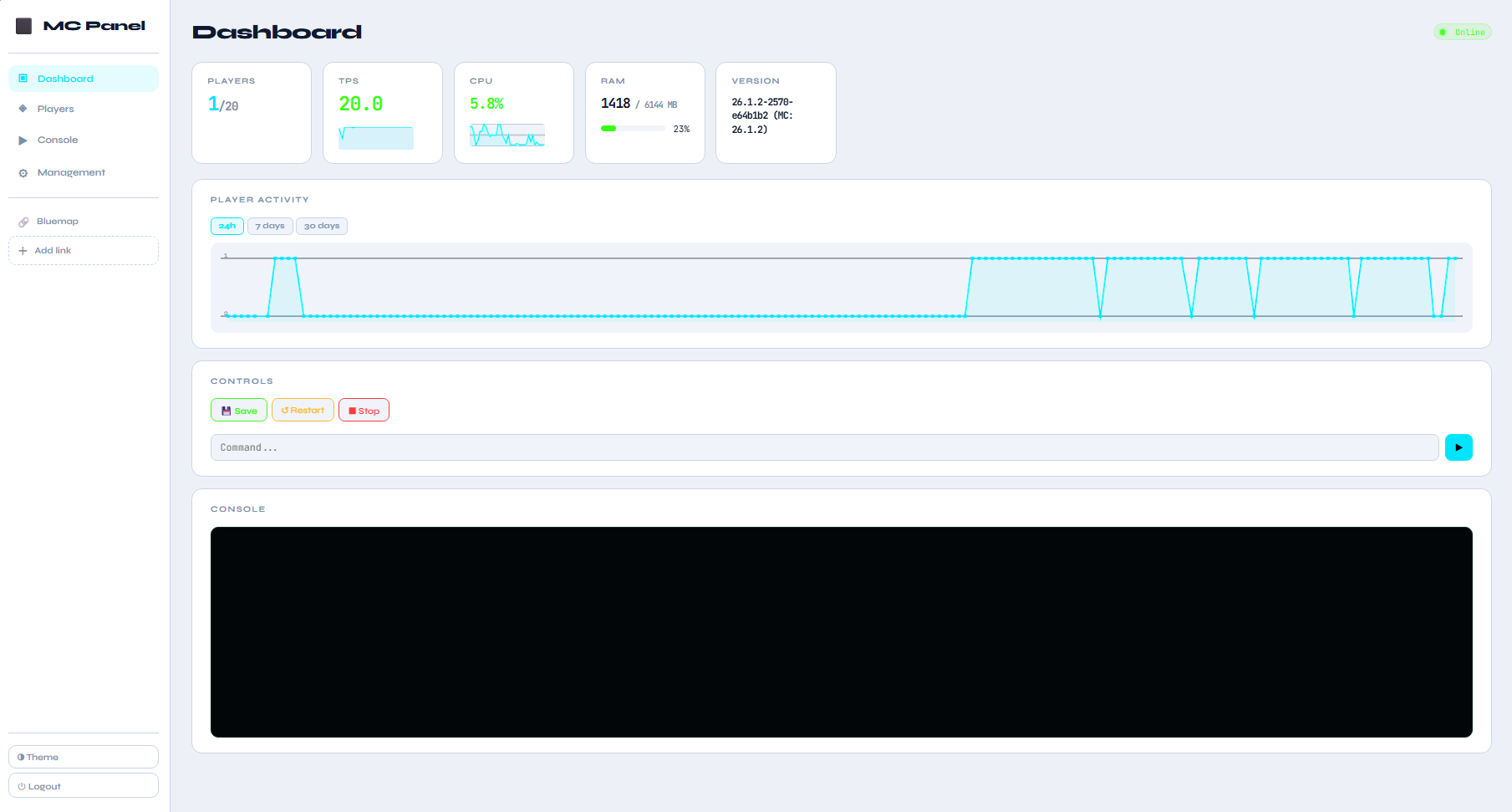
The Dashboard tab will provide you with access to server statistics with TPS graph, CPU graph, the number of online players, RAM used, server version, and player activity statistics in the form of a 24H/7days/30days graph.
Quick management functions like:
Save - Forcibly saves all changes in the world: chunks, player data, entities, inventories, achievements, etc.
Restart - to restart the Minecraft server.
Stop- to stop the Minecraft server.
A field for manually entering commands to the Minecraft server and a window for issuing information.
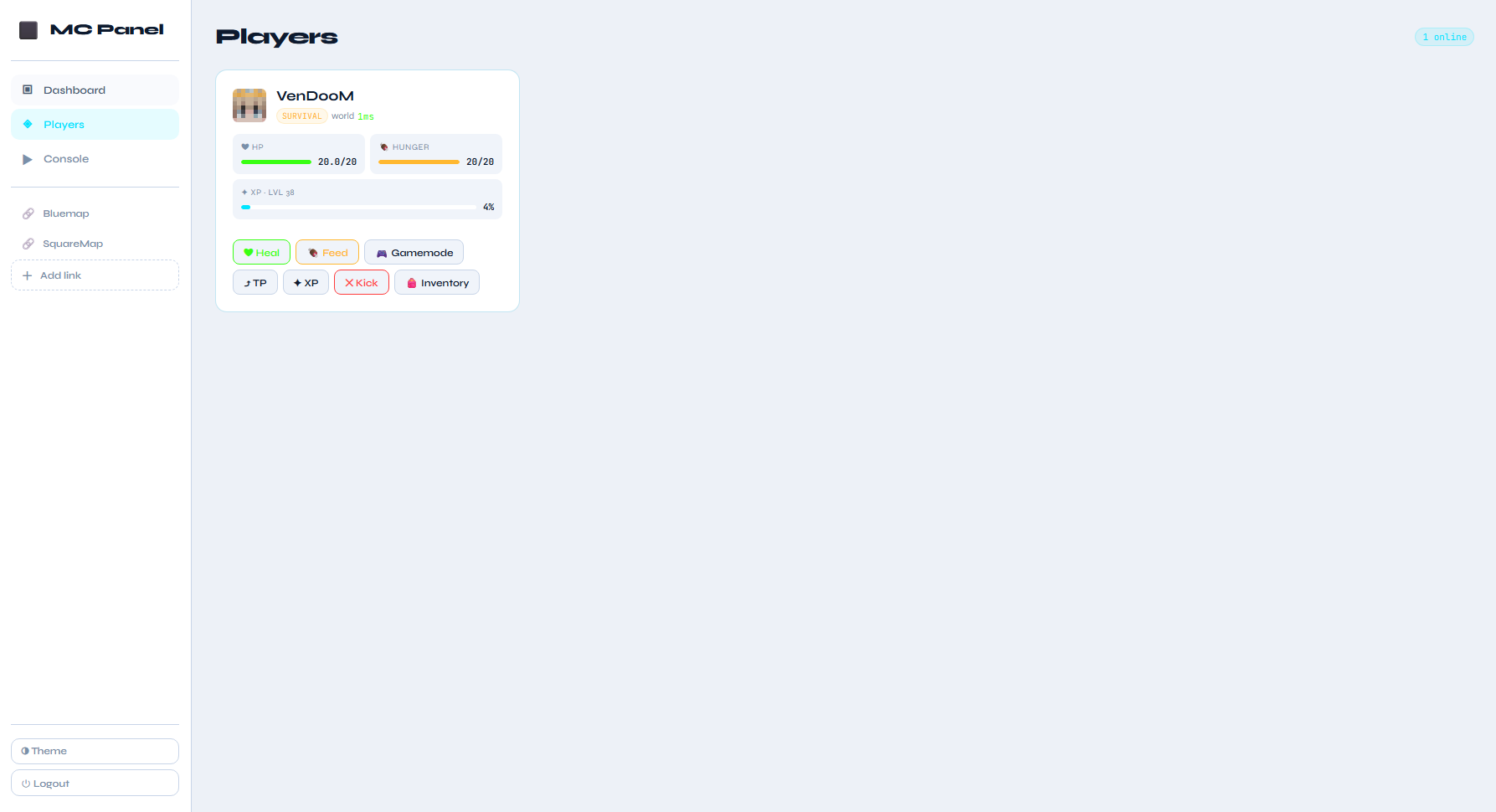
The Players tab It will allow you to view all players online, their parameters, their ping and the ability to edit their inventory, parameters and settings.
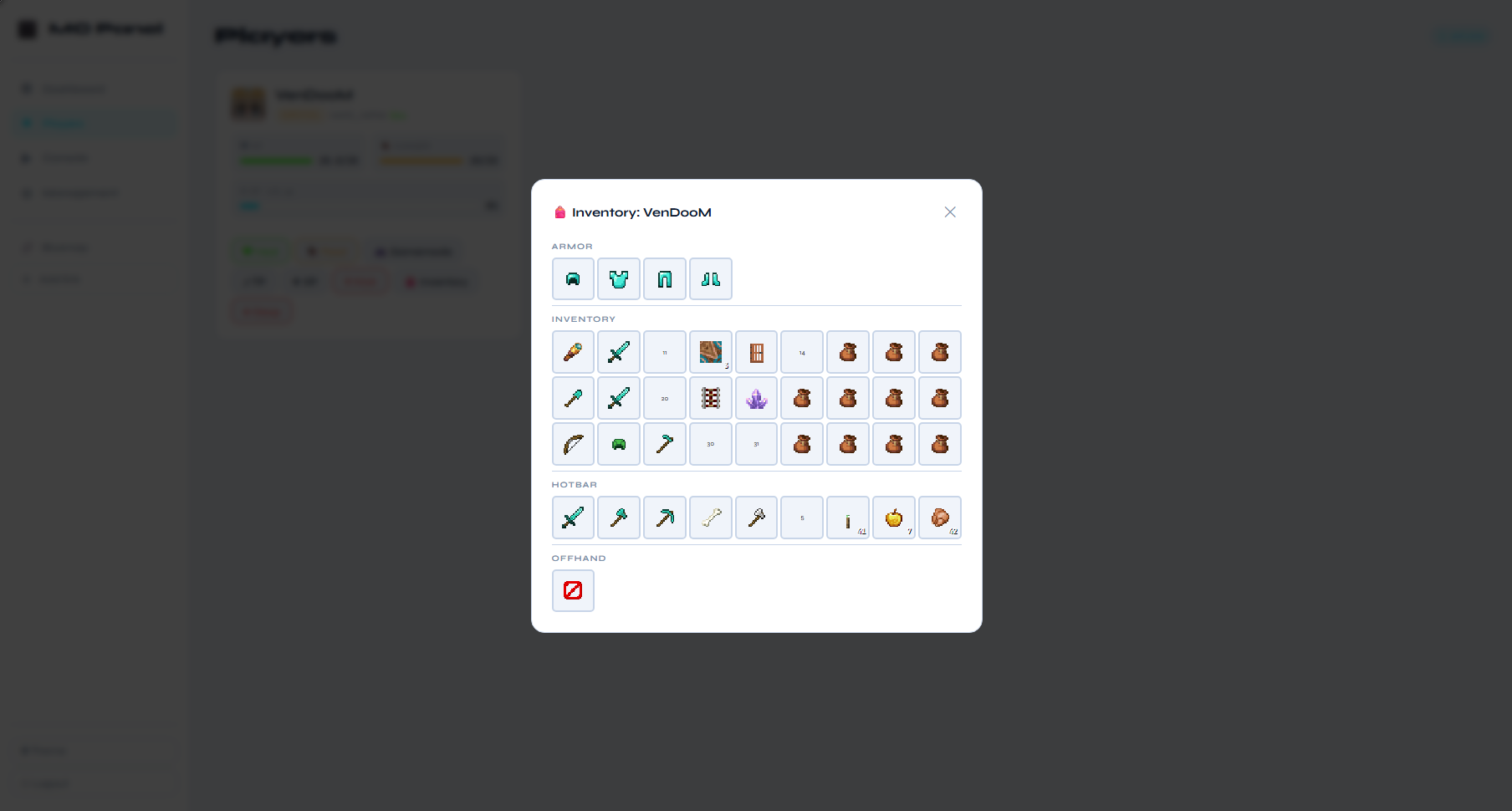
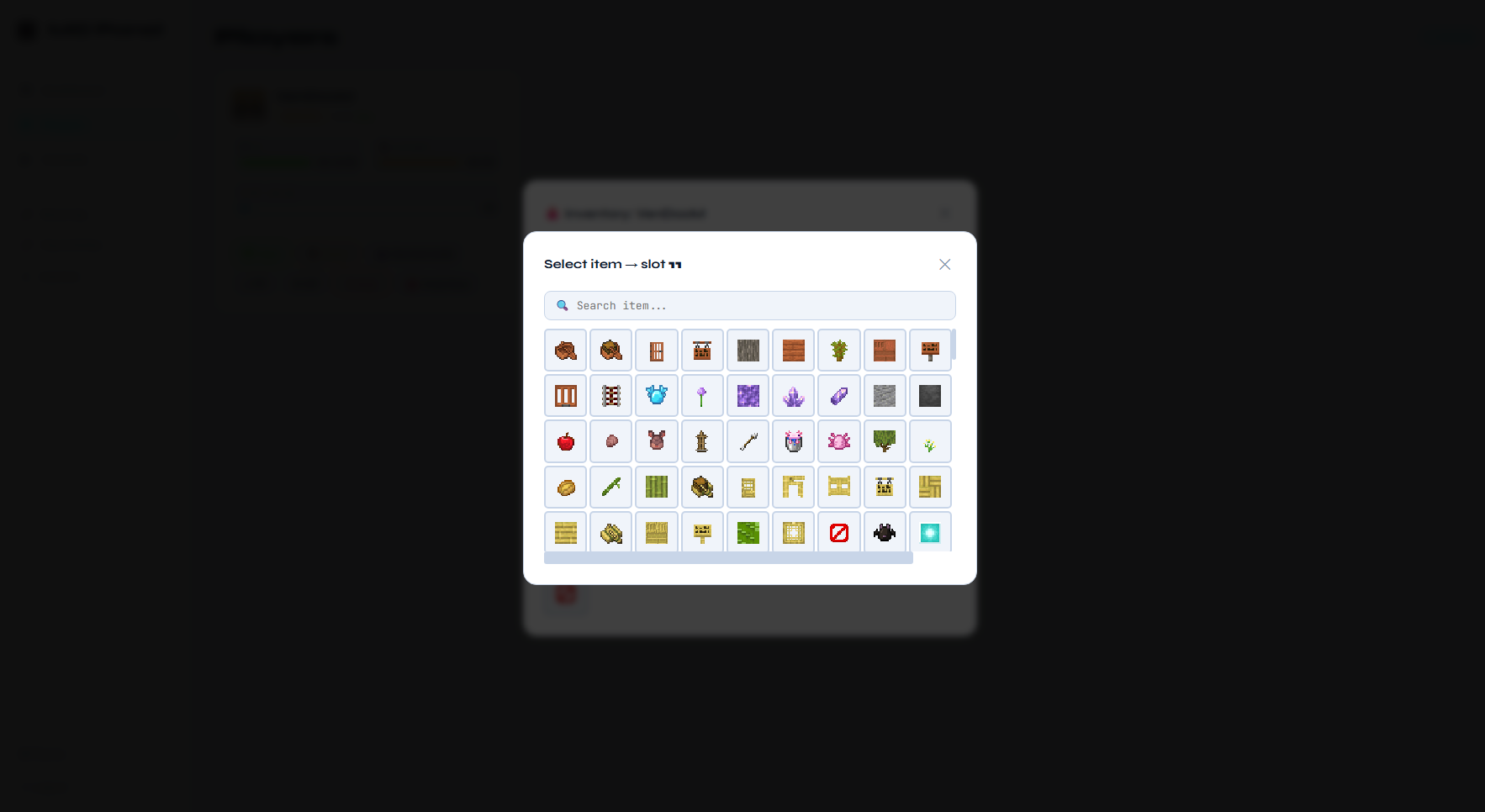
- Open the inventory of any of the players, add, delete or change items in the inventory.
- Add experience.
- Change the game mode.
- Restore health or feed.
- Teleport to another player or by coordinates.
- Kick the player.
- Give or revoke OP from player.
The console tab gives you access to the Minecraft server console for manual command entry with a large output window so that nothing distracts you from your tasks.
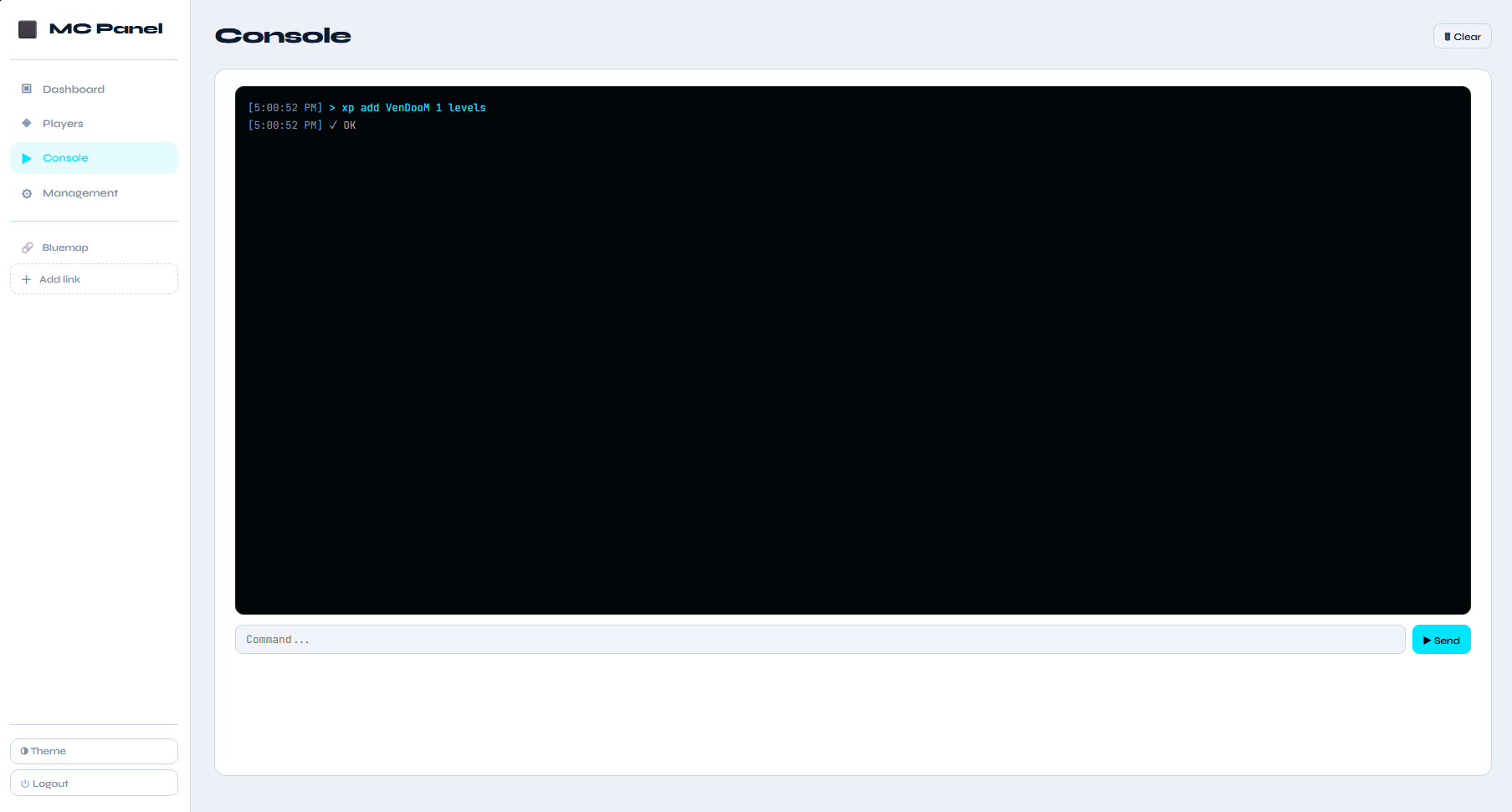
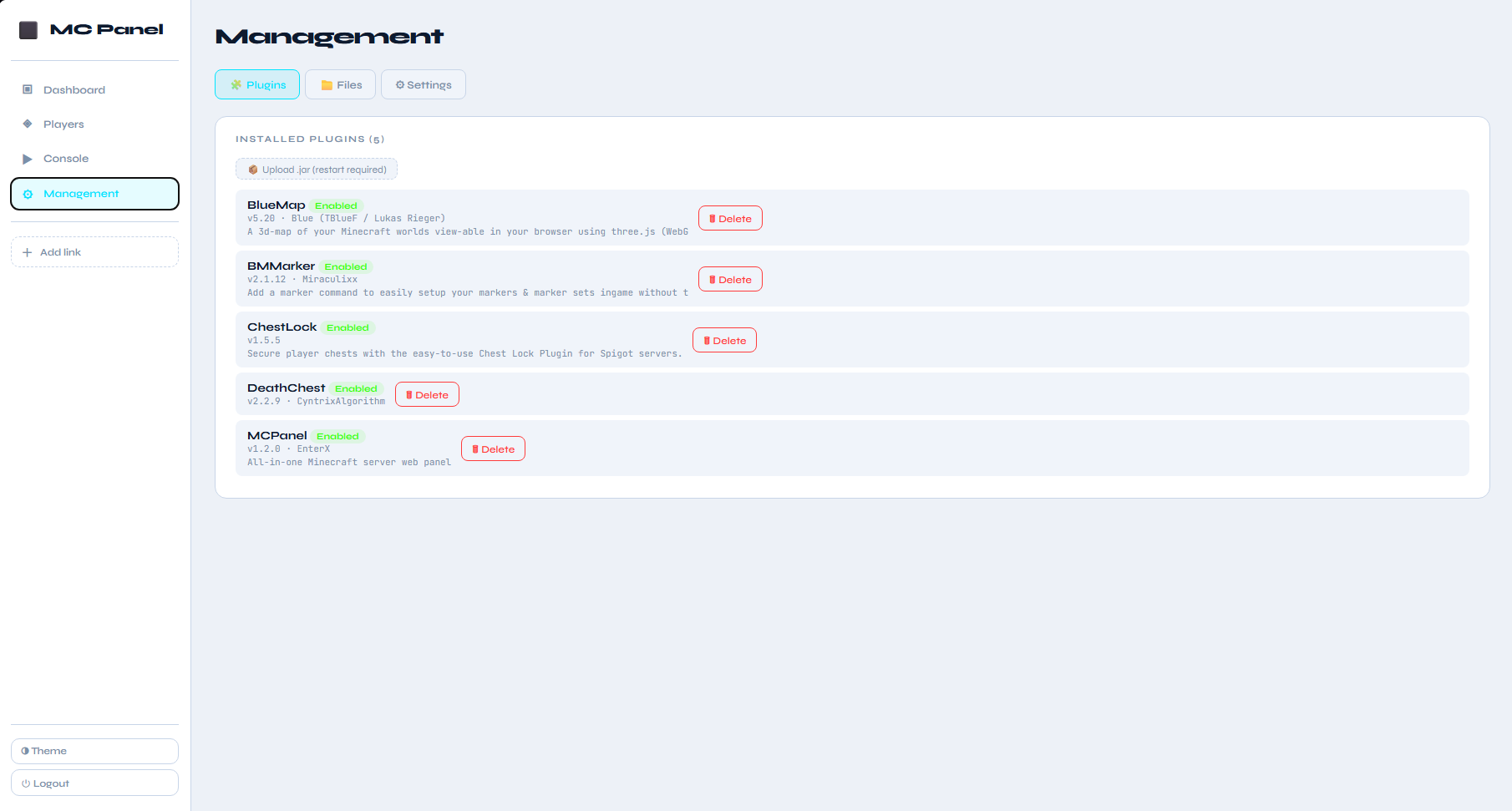
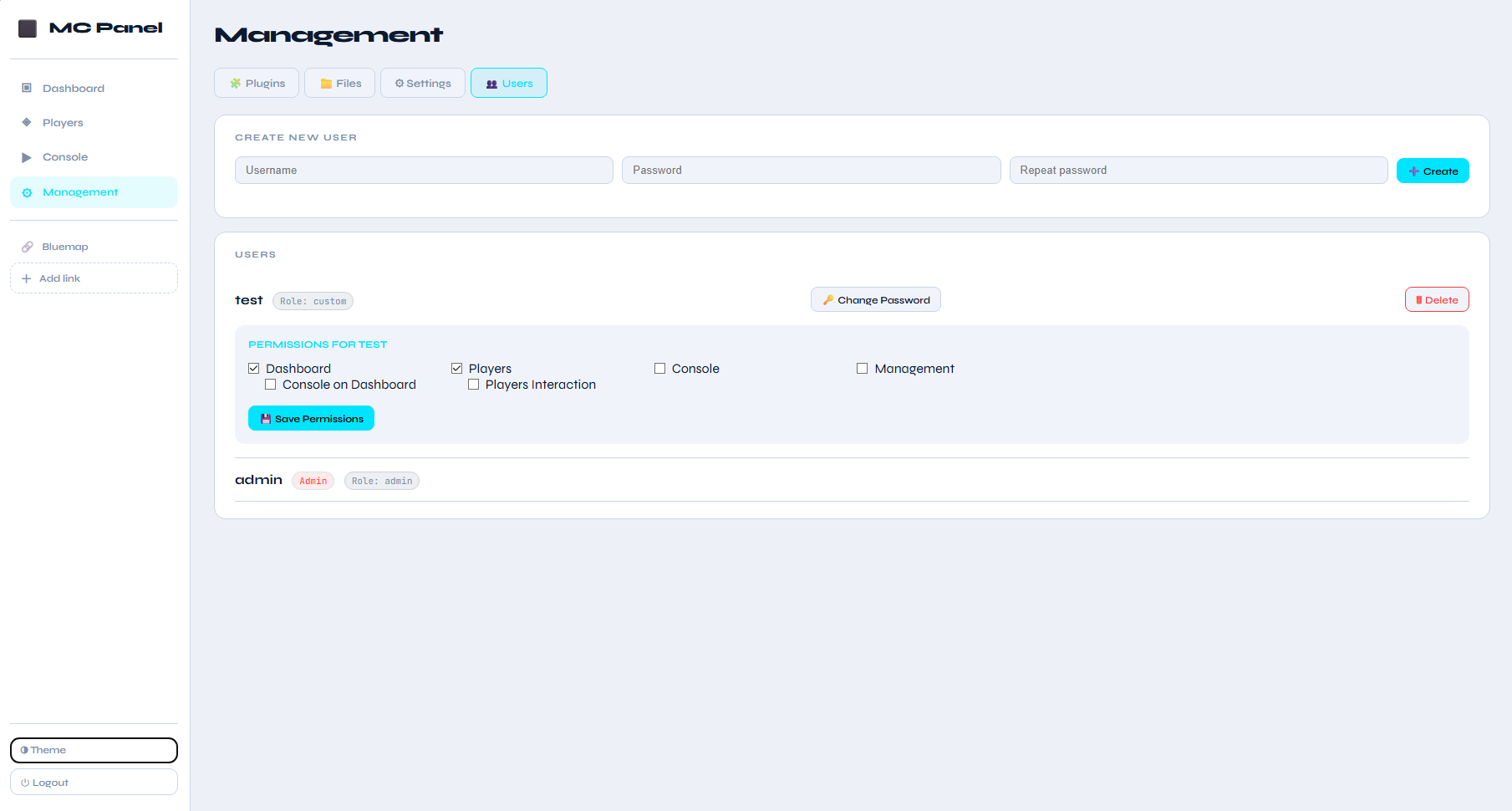
The Management tab provides quick access to server management
- Plugins - for viewing, deleting and installing(uploading) plugins.
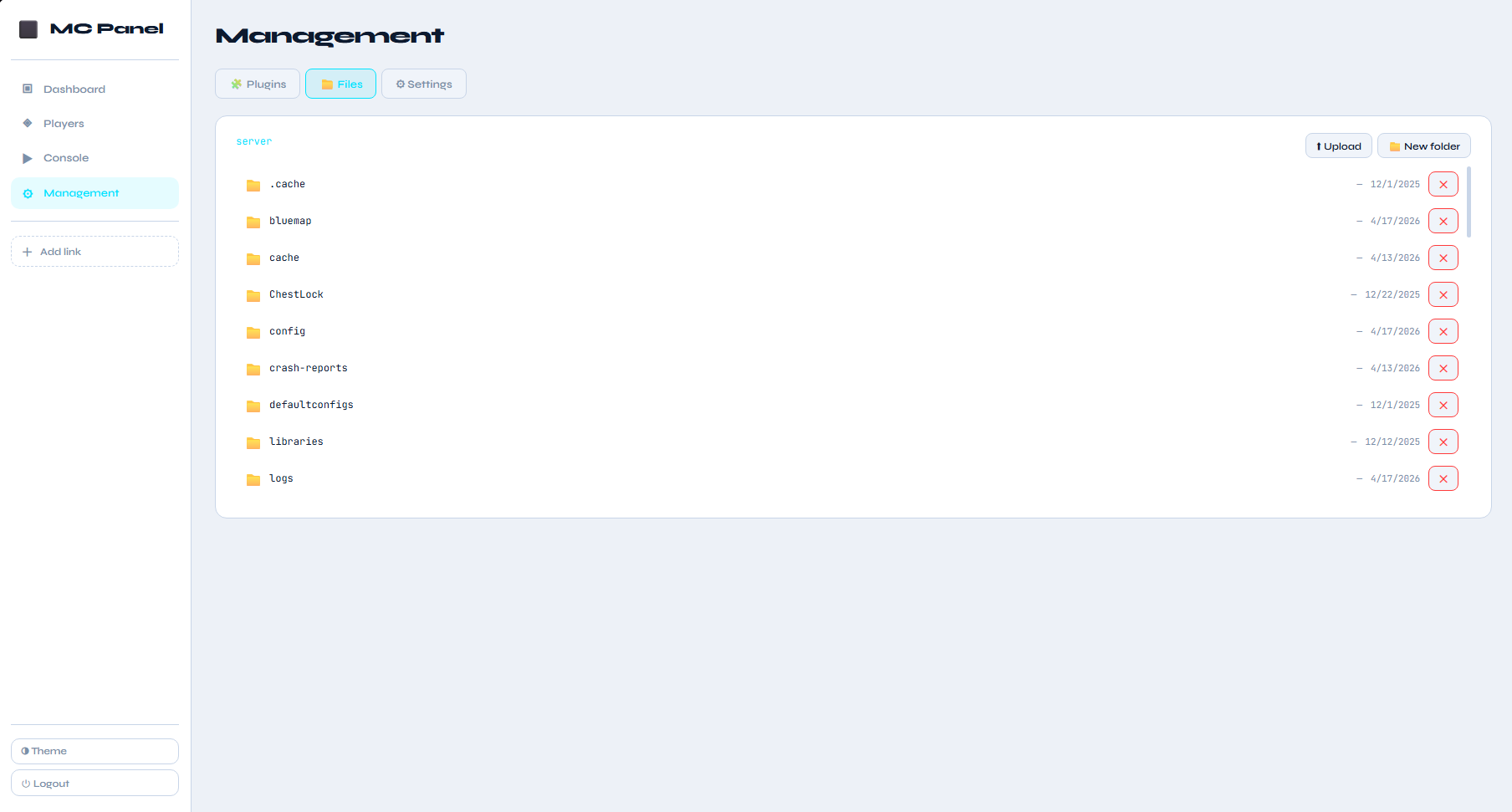
- Files - Working with server files, editing, deleting, downloading and uploading .
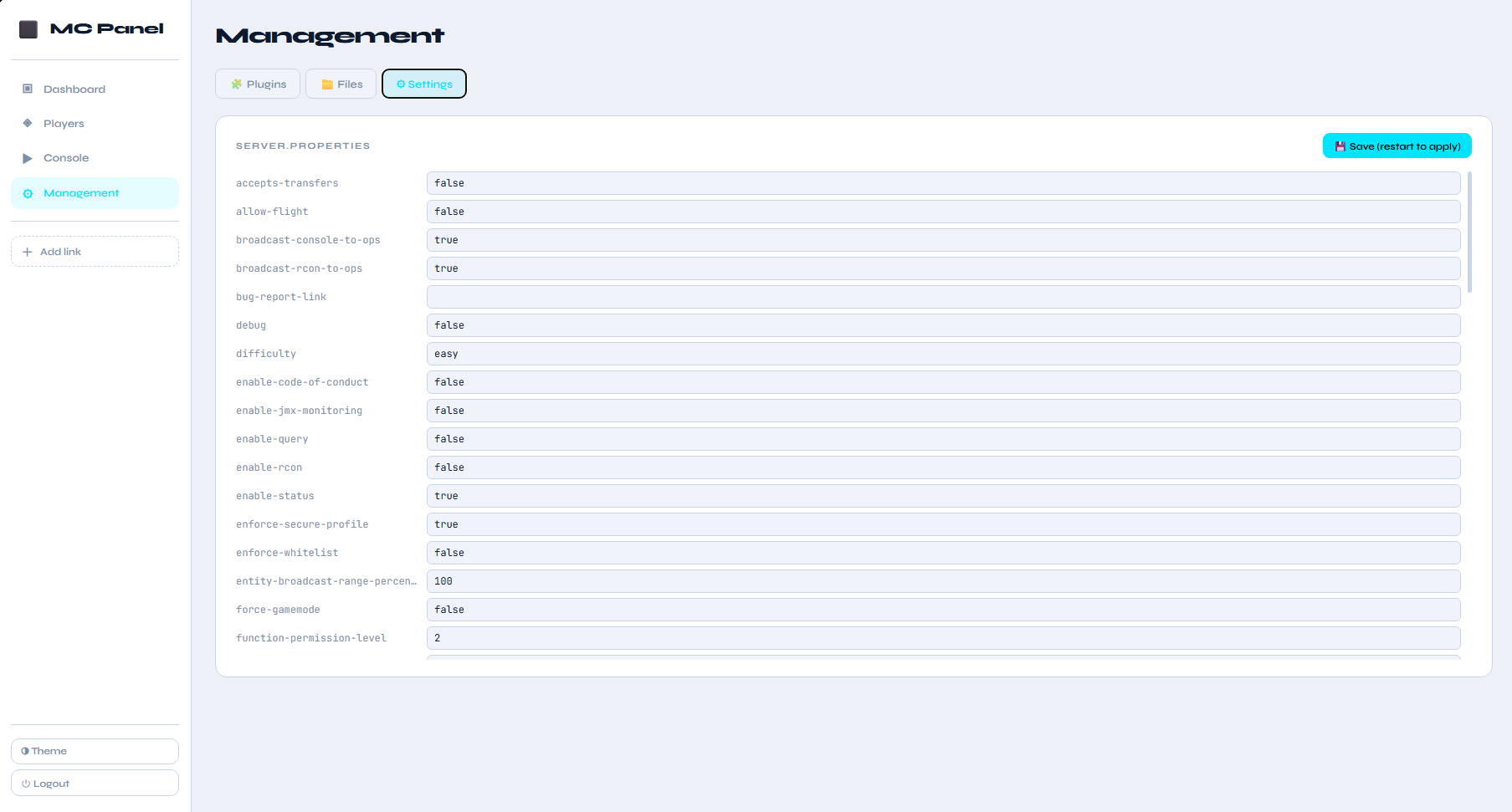
- Settings - quick access to the server.properties file to change the server settings to the server.
- Users - Create new users with different access rights.
And additional place to save and quickly access your own links to your sites.
The plugin works via the built-in HTTP* server, does not require RCON, and opens at your server IP address in the browser. After installing the plugin, use the configuration file to change the port, host IP address, username, and password.
*by default it will use your server IP and 8090 port. **If you have any thoughts about what else you would like to see in the panel, share them. I will try to implement them, thank you.
Information
| Category | Admin Tools |
|---|---|
| Published on | April 18, 2026 |
| License | Unspecified |
| Downloads | 115 |
| Stars | 0 |
| Watchers | 0 |
Pinned Versions
Pages
Members
