
Chat channels with menus, private messages, hover cards, [item] showcase, mentions, word filter, mutes and slow mode.
Requires Vystorm Core 0.65.0 or newer (free)
Vystorm Chat
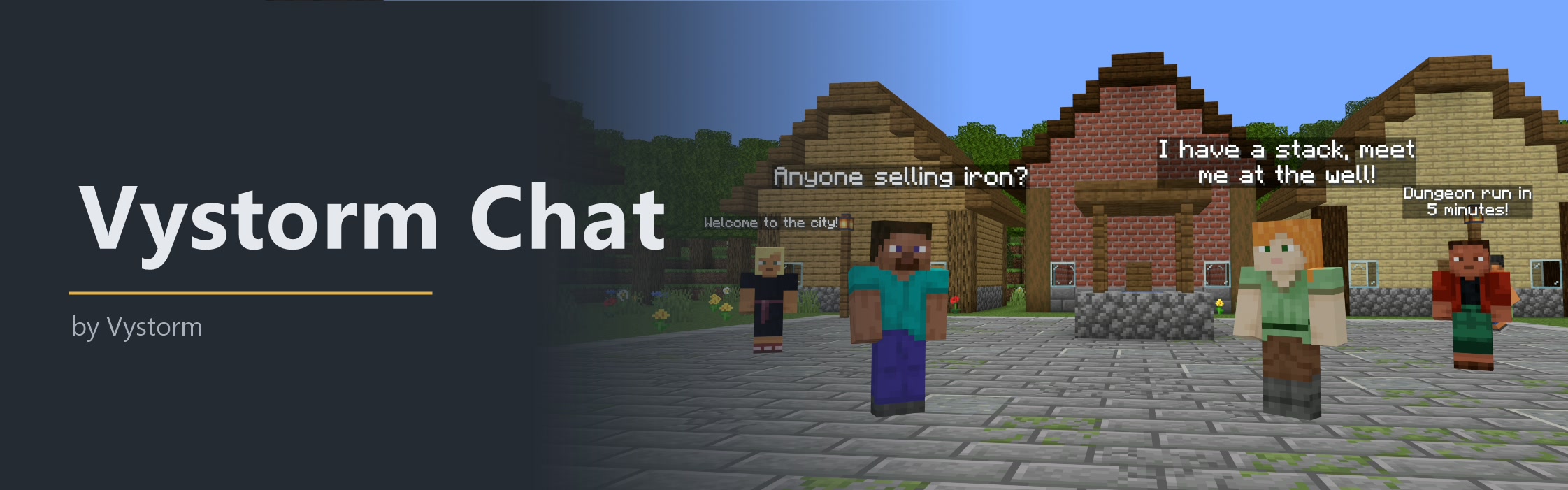
Vystorm Chat gives a server chat channels, private messages and moderation, all reachable from one chat menu. Eight channels are set up from the start (global, local, world, trade, staff, party, city and faction), and you can add as many of your own as you like.
What players get
- Channels they switch with one click in the menu, or with short commands like
/gand/l. - Private messages with reply, an ignore list and a switch to refuse messages.
- A hover card on every name, and
[item]to show what they hold. - A sound when someone mentions them, and alerts for words they choose.
- Speech bubbles over the head of whoever is talking nearby.
Features
Channels
- Define channels in
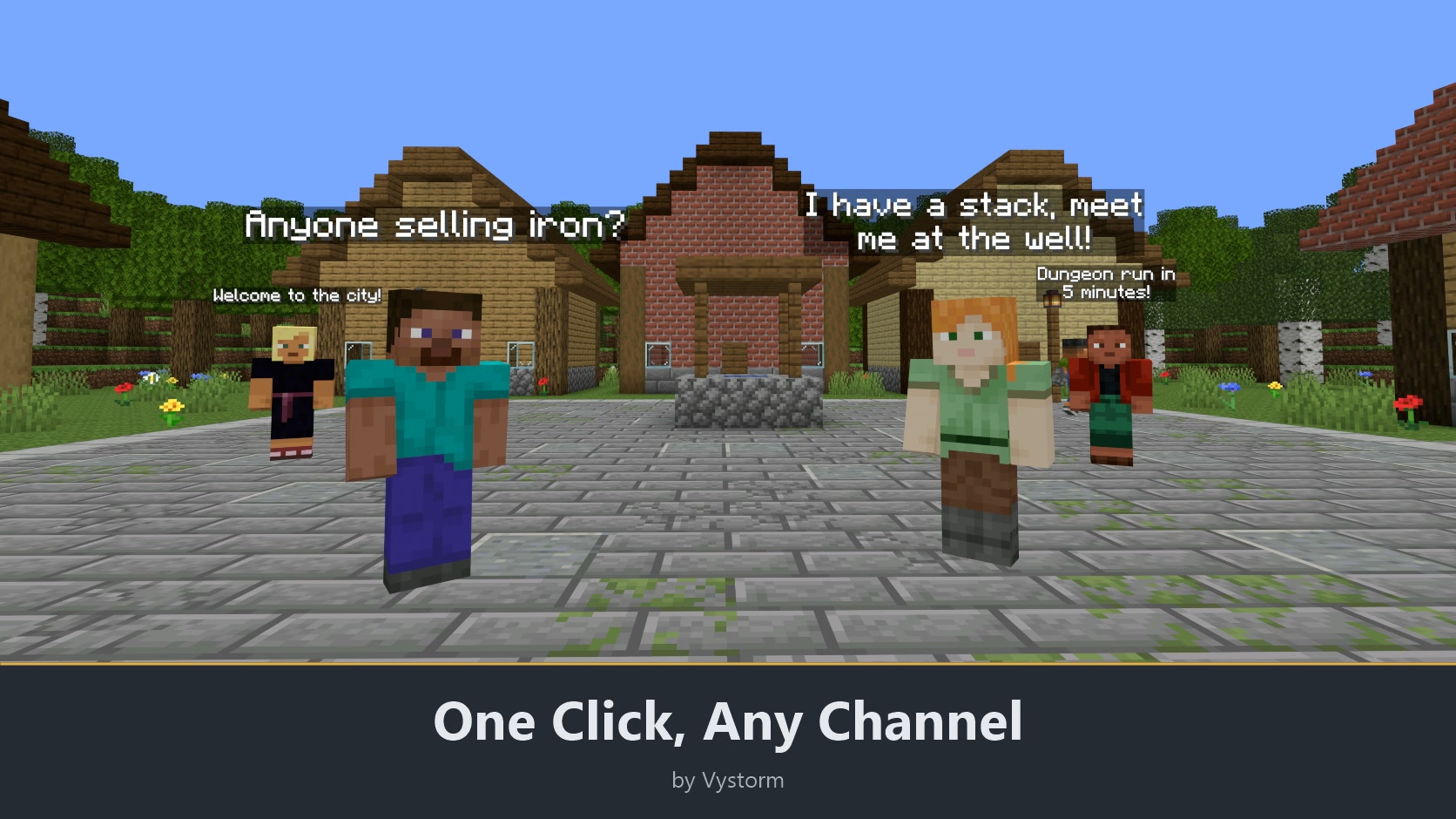
config.yml, each with its own format, tag, colour, read and write permission, world list, cooldown and client tab. - Choose who hears a channel: everyone, one world, a radius, the same Vystorm Core region, or the writer's party, city or faction.
- Switch channels in the chat menu, with
/channel CHANNEL, or with the channel's own command such as/g./g hellosends a single message there. - Send one message without switching by starting it with a quick prefix:
!for global,#for staff,$for trade. - Charge a price per message through Vault in channels where you want that.
- Let players hide channels they do not want to read, and join opt-in channels with
/channel join CHANNEL. - Tell the writer when nobody was in range of a local message.
- Core's
/vtraderuns through the trade channel, the party channel shares its chat with Vystorm Parties, and city and faction chat work with VystormCityClaim and Vystorm-Factions. All of these are optional. - Messages carry tags for the chat tabs of the Vystorm client mod. Other clients see no difference.
- Keep only the channels you list in
relay.only-channelsin the server chat, so DiscordSRV and chat bridges never see staff or party messages.
Names, formats and extras
- Write formats in MiniMessage with a name format per permission and the Vault prefix, suffix and group (works with LuckPerms).
- Use PlaceholderAPI placeholders in formats. Their results are inserted as plain text, so a nickname cannot add clicks or colours, unless you list the placeholder as trusted.
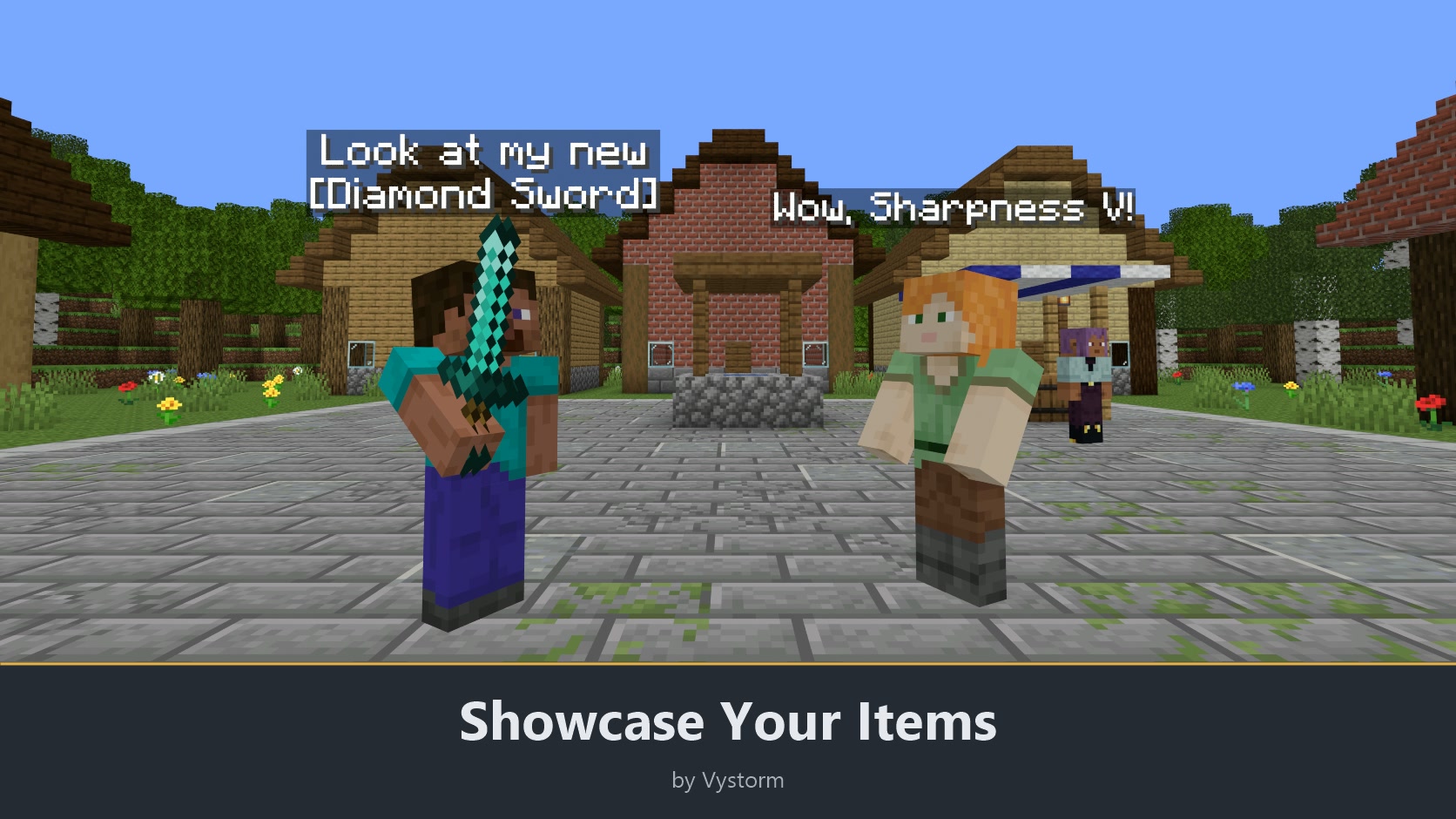
- Hover a name for a card with rank, world, play time, party, city and faction. A click starts a private message.
- Players who want them see timestamps on hover.
[item]shows the item in hand with its tooltip,[inv]adds a button to a read-only copy of the inventory,[pos]posts clickable coordinates.- Emoji codes such as
:heart:and:star:turn into symbols./vchat emojislists them, and you can set your own. - Links are clickable for players with
vystormchat.linksand for allowed domains. Links from everyone else are censored or blocked. Withlinks.enabledoff, links are plain text, neither clickable nor filtered. @Nameand plain names are highlighted for the mentioned player, with a sound and an action bar note.@everyoneand@hereneed a permission.- Players format their own messages only with permissions: colours, hex colours, bold and italic, gradients. Click and hover tags are never parsed.
- Keyword alerts:
/vchat keywords add PHRASEsaves a word or phrase, and a message that contains it shows a hint. - Speech bubbles show public messages above the writer's head for a few seconds. Each player can turn them off in
/vsettings.
Private messages
/msg PLAYER TEXTand/r TEXT, with a sound for the receiver./vchat replylockkeeps your/rpartner fixed until you log out./ignore PLAYERhides a player from chat and private messages./ignorealone opens the list.- Players can refuse private messages in
/vsettings. Vanished players count as offline. - Staff read private messages and spy channels with
/socialspy.
Moderation
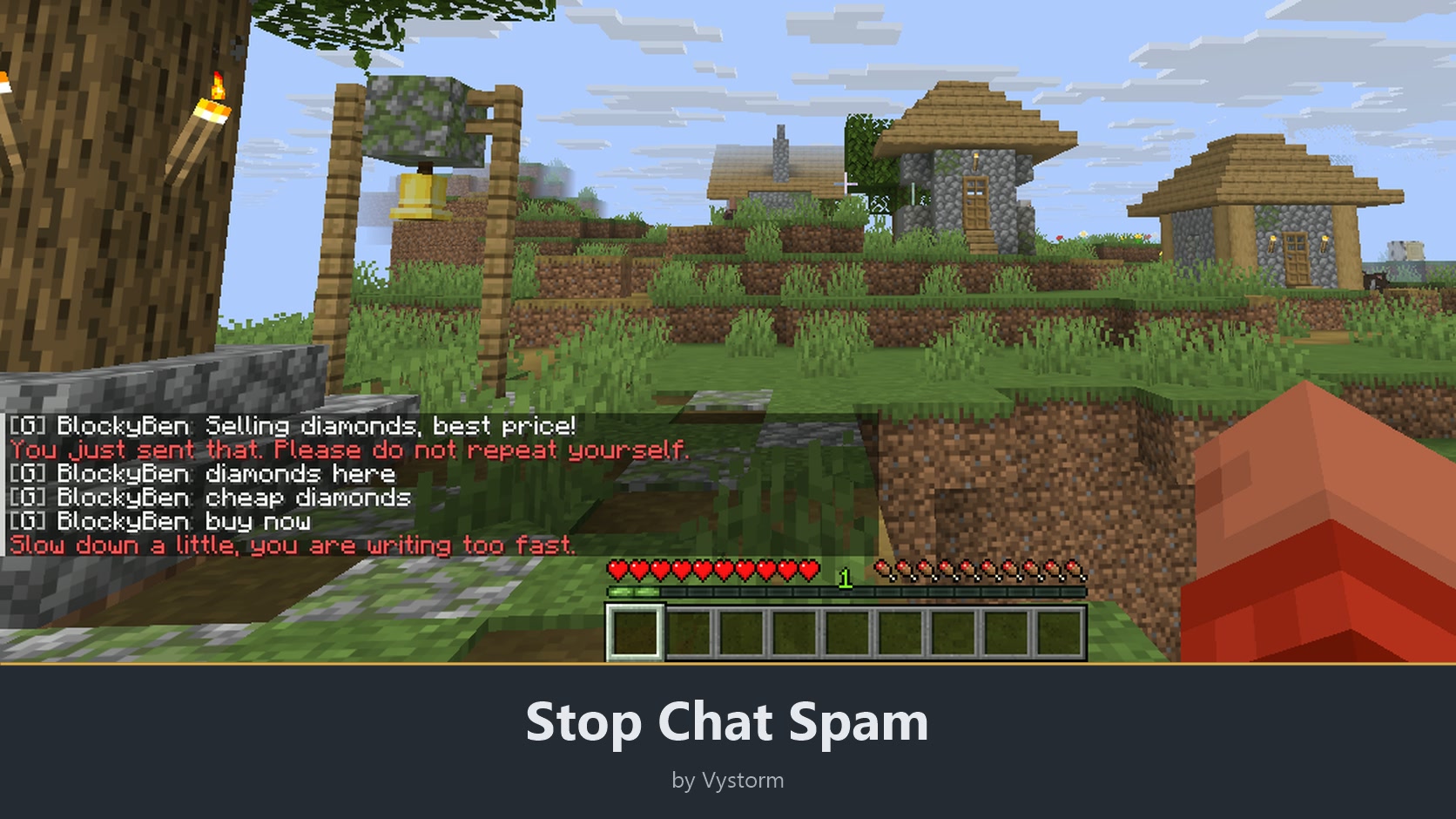
- Anti-spam stops repeated messages and floods, lowers or blocks shouting and shortens stretched letters.
- The word filter finds whole words in any case, spaced out or written with look-alike characters, and takes regular expressions for the rest. It censors or blocks.
/mute PLAYER [30m|2h|7d] [reason]also works on offline players, and muted players cannot use/me,/msgor party chat either./unmute PLAYERlifts it./clearchatclears the chat, and/slowmode [seconds|off] [channel]slows a channel down.- Staff get a note when a message was blocked.
- Players report others with
/vchat report PLAYER REASON. Staff open/vchat reportsto read the case, add notes, mute for up to seven days and close it. A report never punishes anyone by itself. - The chat log writes one file per day to
logs/and deletes files after 30 days. Chat is also printed to the console. - Plan timed announcements with
/vchat announcements: a text, an interval in minutes and optionally one world.
Menus
- The chat menu (
/channelor/vchat) holds channels, the message dialog, the ignore list, settings, social spy and a moderation page with the mute list. /vsettingshas a chat page with the sounds, timestamps, private messages, bubbles and a switch per channel.- Sneak and right-click a player to message, ignore or (as staff) mute them from the Core player menu.
- Show chat values in scoreboards, tab lists and formats: placeholders for the channel, mute and time left, party, city, faction, prefix, suffix, group, ignored players, social spy and the last private message partner, such as
%vystorm_chat_channel_name%. Core passes them on to PlaceholderAPI when it is installed./vadmin placeholders chatlists them.
Switch features on and off
Every feature has its own switch in config.yml and in game under /vadmin features, and the plugin has a master switch, chat.enabled: when it is off, Vystorm Chat leaves the server chat alone and every command except /vchat reload is off. A switched-off feature answers "This feature is switched off on this server." and disappears from tab completion, help, menus and /vsettings. Changes apply at once, without a restart; only tutorial.enabled needs one. Saved data stays when something is off.
That covers channel prices, quick prefixes, hiding and joining channels, the links to Vystorm plugins, name formats, hover cards, timestamps, the item, inventory and position tokens, emoji codes, links, mentions, formatting of own messages, keyword alerts, private messages, ignore lists, social spy, anti-spam, the word filter, mutes, clear chat, slow mode, reports, the chat log, the console log, announcements, speech bubbles, the chat menu and the relay to other plugins. The first-run setup and the seven languages are not features and have no switch.
Setup
- Put Vystorm Core 0.65.0 or newer and Vystorm Chat into
plugins/and restart the server. - On the first start an admin can answer a few setup questions or take the recommended settings.
The plugin comes preconfigured with eight channels, and every key in config.yml has a comment. Settings can be changed in game with /vadmin config VystormChat.
Languages: English, German, French, Italian, Brazilian Portuguese, Russian and Simplified Chinese. Each player gets the language of their Minecraft client, and there is a short tutorial in /vmenu.
Compatibility: tested on Paper and Purpur 26.2, Paper 1.20.6 and Spigot 26.2. Java 21 or newer. Vault and PlaceholderAPI are optional. On servers without native dialogs, forms appear as chat prompts.
Main permissions: vystormchat.use, vystormchat.msg, vystormchat.ignore (everyone), vystormchat.moderate, vystormchat.spy, vystormchat.admin (op). The full list is in the README on GitHub.
There is one update every month. If the plugin works well on your server, please leave a review.
More from Vystorm: Vystorm Core, Rails, Portals, CustomTrees, XPVaultEconomy, BlockIntegrations, Veins, Winter Is Coming, Insomnia, Gallery, Paddock, Snapshot, Boards, Estates, Worlds and Locks, all free.
Free and open source (GPL-3.0): source code on GitHub
Information
Pinned Versions
- R1.20.6–26.3
Pages
Members
1
Owner