
Rent and sell plots with signs: built-in protection, Vault prices, auto-renew, market menu, plot snapshots.
Requires Vystorm Core 0.65.0 or newer (free)
Vystorm Estates
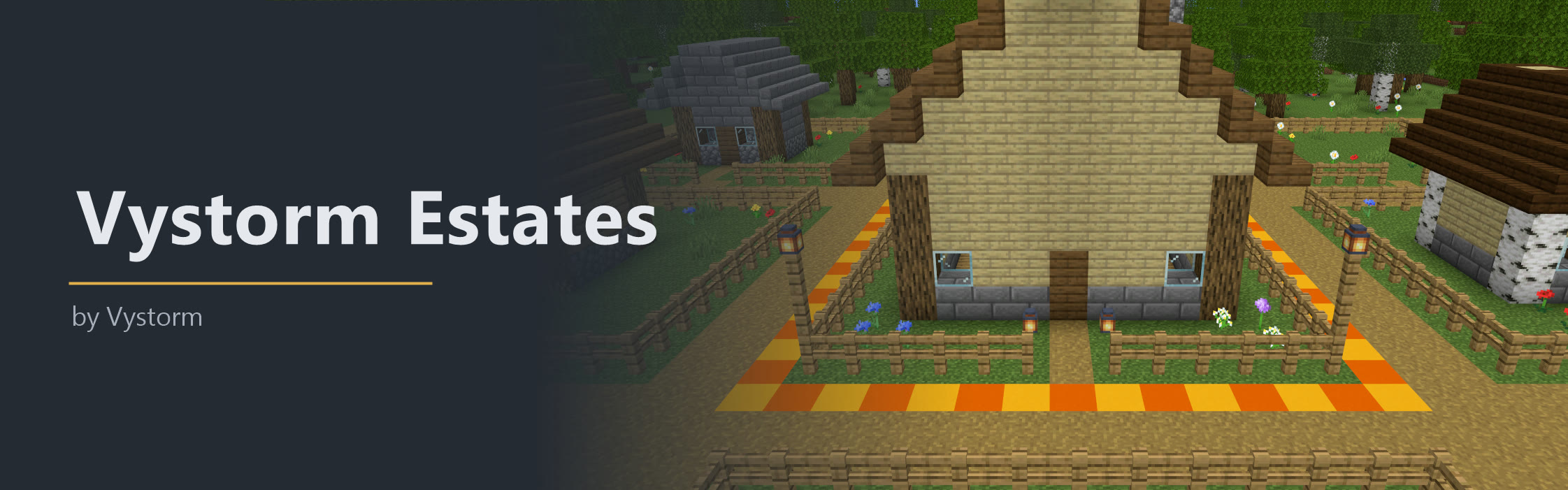
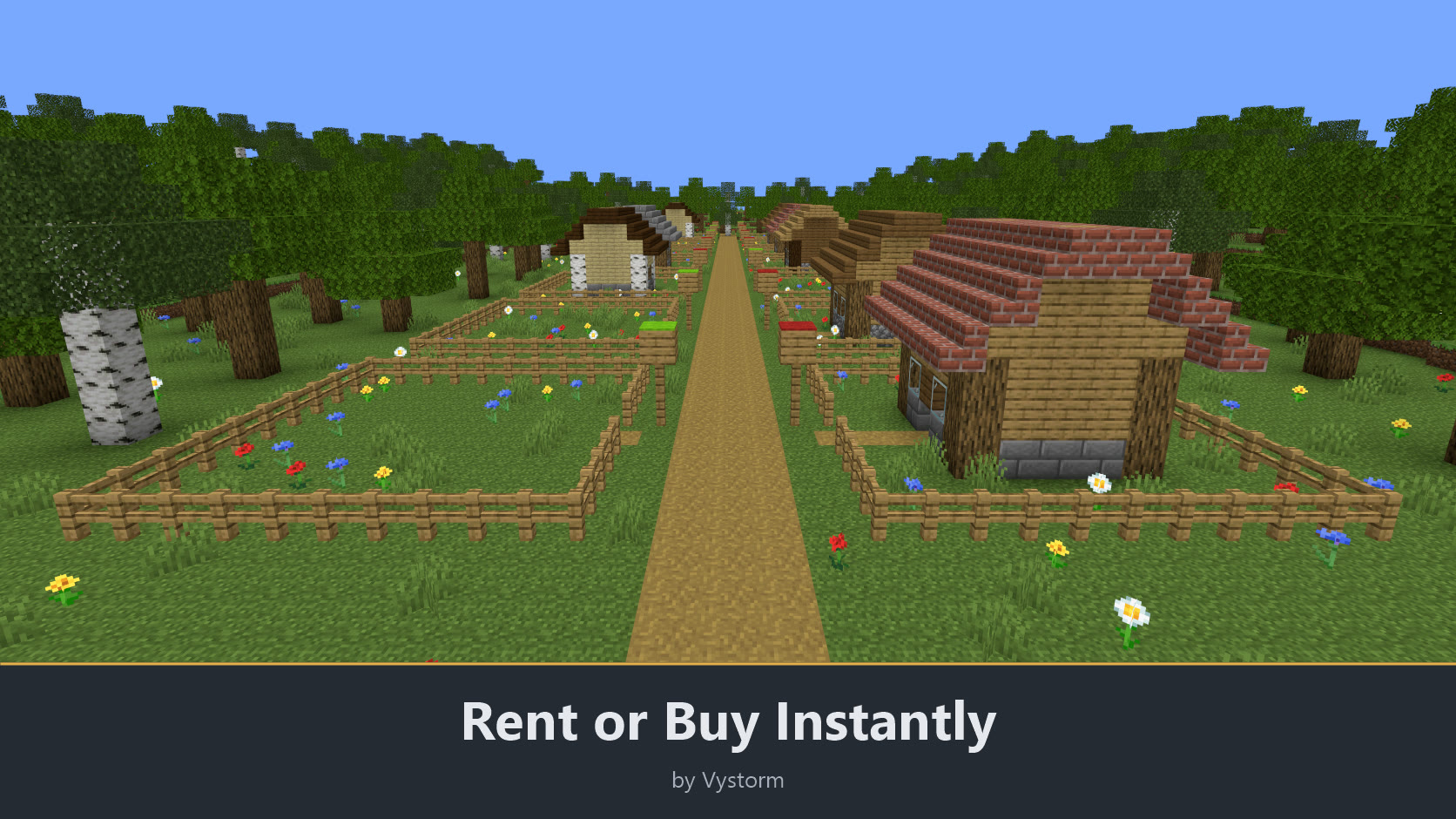
Vystorm Estates rents and sells plots with signs and protects them itself, so you do not need WorldGuard. An admin marks an area and puts up a sign, players rent or buy with a click, and a plot whose rent runs out goes back on the market.
What players get
- A plot of their own after one click on a sign, with nobody else able to build in it.
- Friends as members, helpers as guests for a few hours, and separate rights for visitors.
- A market menu with every free plot, with filters for price, size and distance.
- Money back when they give a plot up, or a sale to another player at their own price.
- Auctions for special plots and an alert when a plot they want becomes free.
Features
Renting and buying
- Create plots as an admin:
/estates pos1andpos2on two corners, then/estates create NAME rent|buy PRICE [period] [max-ahead]. Plots reach from bedrock to sky by default, and a smaller plot may sit inside a larger one. - Change or remove plots with
/estates setprice,/estates reset,/estates deleteand/estates reload. - Put up a sign with
[estate]in the first line. It shows the price or the tenant and the end date. A right-click rents, buys or extends, and sneaking with a right-click shows the details. - Charge rent per period (
7d,12h,2w) with a limit on how far ahead players may pay, or sell once. Payments go through Vault, so any economy plugin works. Free plots work without Vault. - Let the rent renew by itself with
/estates autorenew. It is paid from the owner's balance, also while they are offline. - Owners get a warning before their rent ends (
warn-before). - Give a plot up with
/estates leave(rented) or/estates sell(bought). A share of the unused time or of the price comes back, set underrefund. - Hand a plot to someone with
/estates transfer PLAYER. - Limit plots per player with
plots-per-playeror the permissionvystormestates.limit.<n>. - Look things up with
/estates info [plot](owner, price, corners, running auction) and/estates list free|mine. - Free plots of inactive owners after a time you set, for example
inactive-owners.free-after: 60d. This is off by default.
Protection and access
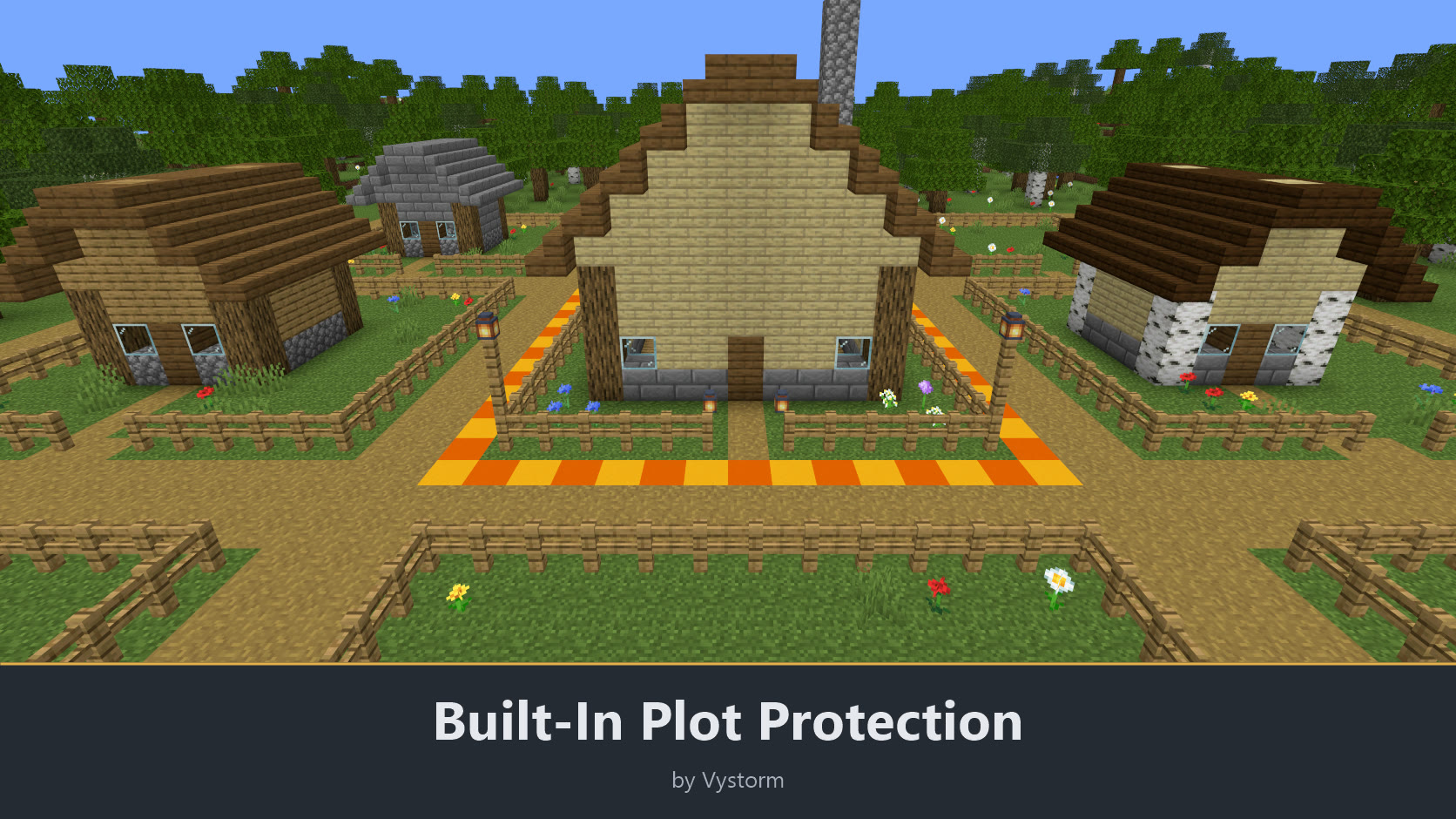
- Only the owner and members can build, open containers and use doors, buttons, buckets, item frames and armour stands in a plot.
- Plots nobody owns stay locked for everyone except admins.
- Explosions do not destroy blocks in plots.
- Water, lava and pistons cannot cross a plot border.
- Add permanent members with
/estates add PLAYERand remove them with/estates remove PLAYER. On your plot you can also sneak and right-click a player and use the player menu. - Leave someone else's plot as a member with
/estates resign [plot]. - Give a helper access for a limited time with
/estates guest PLAYER 2h./estates guestslists them, and the right ends by itself, also while everyone is offline. - Grant single rights with
/estates role PLAYER visitor|container|build on|off: visitors use doors and buttons, container access opens chests, build access changes blocks./estates roleslists the holders. - Every plot is entered in Vystorm Core's shared region register, so other Vystorm plugins know who owns the spot.
Menus, market and extras
- Open
/estatesfor the plot menu: your plots with buttons to extend, switch auto-renew, manage members and roles, show the border, go there, resell and give up. - Browse
/estates marketfor all plots for rent, for sale and from other players. It has filters for world, price and size, five sort orders, and a detail page where you rent or buy directly, show the border or teleport to the sign (vystormestates.teleport). - Walking into a plot shows the owner or the price in the action bar, and for free plots a chat button that opens the offer.
- Set a welcome line for visitors with
/estates greeting Fresh bread daily!. - Draw the border of a plot with particles using
/estates show. - Sell your plot to another player with
/estates resell 500. The sign and the market show the offer, the money reaches the seller even offline, rented plots pass on their remaining time, and the server can keep a tax share and cap the price. - Run auctions: an admin starts one with
/estates auction start PLOT HOURS [minimum], players bid with/estates auction bid PLOT AMOUNT. The highest bid is held back and returned when someone bids more, and a late bid extends the auction a little. - Get alerts with
/estates alerts watch [plot]or/estates alerts price 500. When such a plot becomes free you get a clickable message, or a note in the Core inbox if you were offline. - Show plot numbers in scoreboards and chat: placeholders for the plots a player owns and the limit, and for the plot they stand in (name, owner, mode, price, rent end, time left, members), plus all and free plots, such as
%vystorm_estates_plot_owner%. Core passes them on to PlaceholderAPI when it is installed./vadmin placeholders estateslists them. - Save how a plot looks with
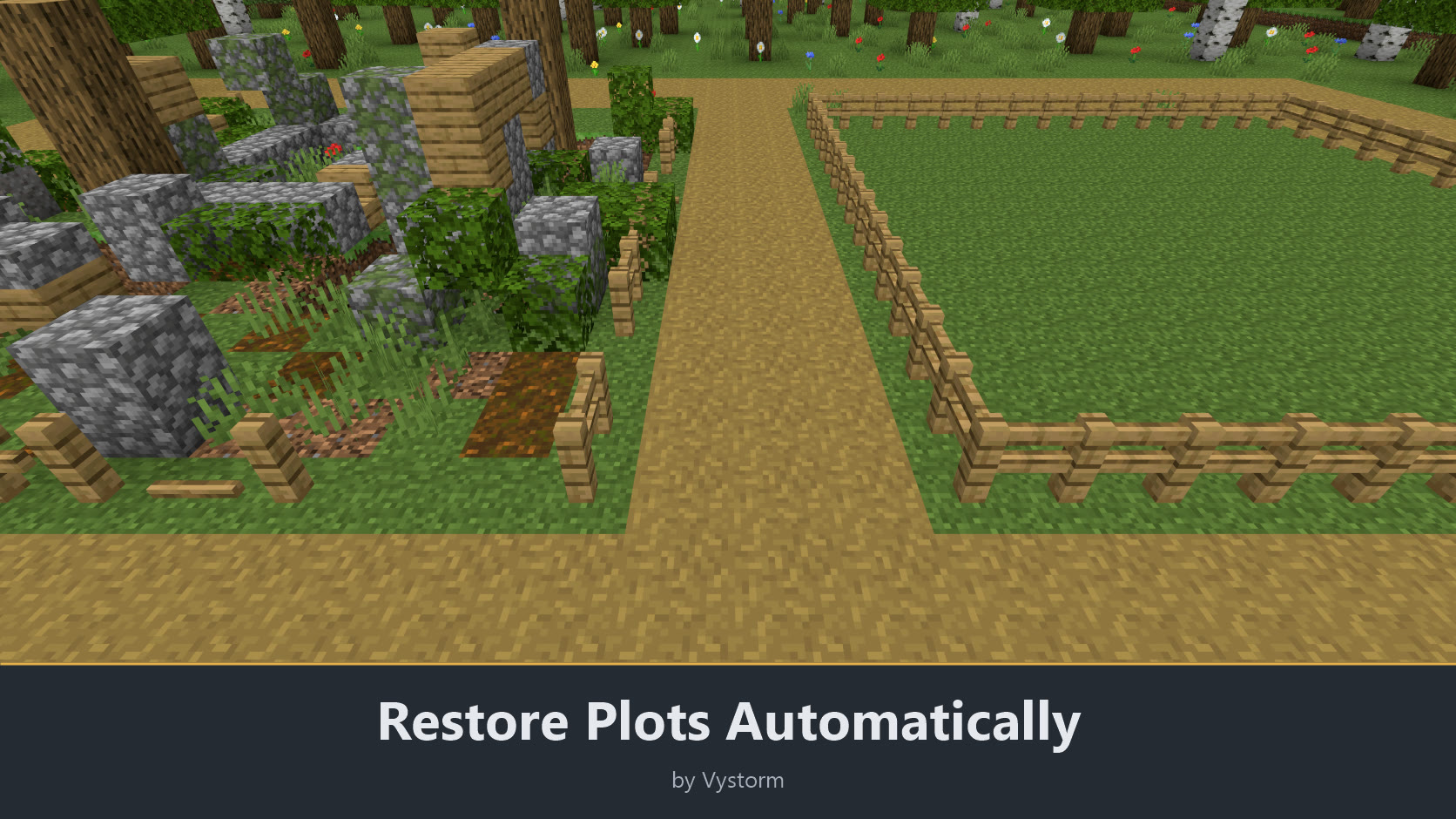
/estates snapshot PLOT. When the plot becomes free again it is rebuilt to that state, spread over several ticks./estates restore PLOTdoes it by hand.
Switch features on and off
Every feature except payments has its own switch in config.yml and in game under /vadmin features, and the plugin has a master switch, plots.enabled: when it is off, plots protect nothing, signs and menus do not react, rents do not run out and every /estates command except reload is off. A switched-off feature answers "This feature is switched off on this server." and disappears from tab completion, help and menus. Changes apply at once, without a restart; only tutorial.enabled needs one. Plots and all their data stay saved when something is off.
Payments have no switch: money is the price of a plot, and money already paid (outbid auction bids, refunds) must never be skipped. A server without money sets prices to 0 with /estates setprice or installs no economy. The first-run setup and the languages are Core functions.
Setup
- Put Vystorm Core 0.65.0 or newer and Vystorm Estates into
plugins/and restart the server. Add Vault and an economy plugin if plots should cost money. - On the first start an admin can answer a few setup questions or take the recommended settings.
- Mark two corners with
/estates pos1and/estates pos2, run/estates create, and place a sign with[estate].
The plugin comes preconfigured. Settings can be changed in game with /vadmin config VystormEstates.
Languages: English, German, French, Italian, Brazilian Portuguese, Russian and Simplified Chinese. Each player gets the language of their Minecraft client, and there is a short tutorial in /vmenu.
Compatibility: tested on Paper and Purpur 26.2, Paper 1.20.6 and Spigot 26.2. Java 21 or newer. Vault is optional. On servers without Paper dialogs, confirmations and text prompts use chat instead.
Permissions:
vystormestates.use(everyone): rent, buy and manage own plots, guests, roles and the plot menuvystormestates.resell(everyone): offer own plots to other playersvystormestates.teleport(everyone): teleport from the market and the plot menuvystormestates.limit.<n>: plots per playervystormestates.admin(op): create plots, link signs, start auctionsvystormestates.bypass(op): build everywhere and manage every plot
All commands start with /estates. The README on GitHub lists every one with its options.
There is one update every month. If the plugin works well on your server, please leave a review.
More from Vystorm: Vystorm Core, Rails, Portals, CustomTrees, XPVaultEconomy, BlockIntegrations, Veins, Winter Is Coming, Insomnia, Gallery, Paddock, Snapshot, Boards, Chat, Worlds and Locks, all free.
Free and open source (GPL-3.0): source code on GitHub
Information
Pinned Versions
- R1.20.6–26.3
Pages
Members
1
Owner