
Multiworld manager with menus: any generator, custom build height, per-world rules, inventory groups, linked portals.
Requires Vystorm Core 0.65.0 or newer (free)
Vystorm Worlds
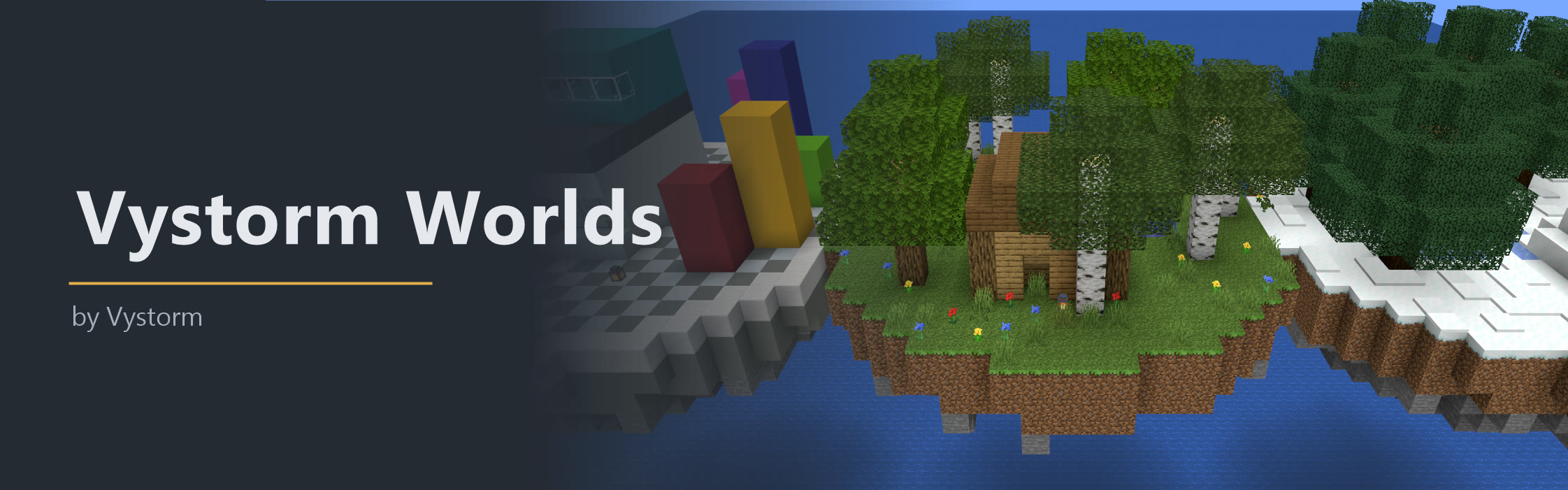
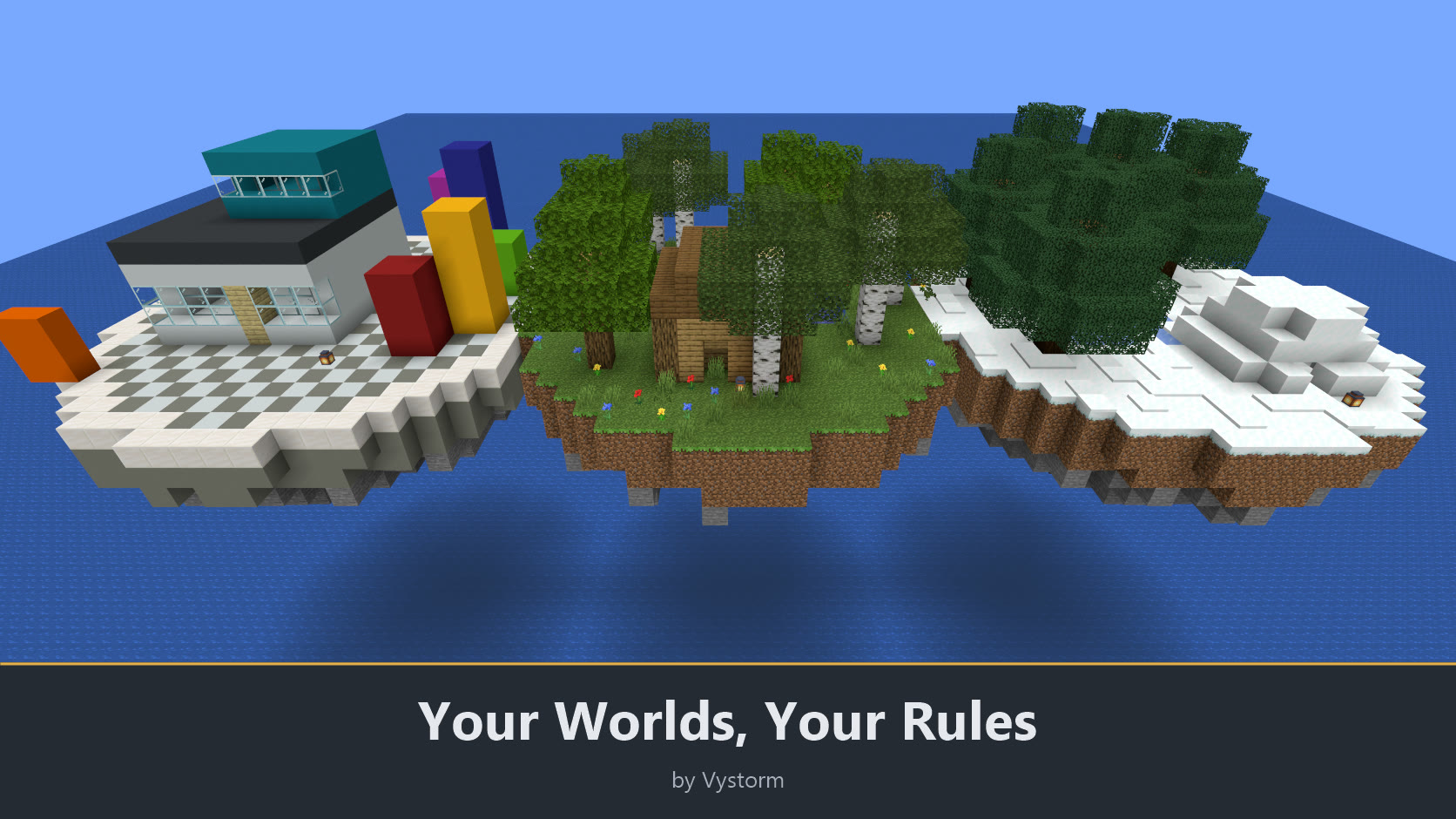
Vystorm Worlds manages all worlds of a server from menus. You create, import and link worlds, give each one its own rules, and let groups of worlds keep separate inventories. Players travel with a world selector. It covers what usually takes Multiverse-Core, Multiverse-Inventories and Multiverse-NetherPortals together.
What players get
- A world selector with icons, player counts and their own favorites.
- Teleports that land on a safe spot, and a return to where they last stood in a world.
- Nether and end portals that lead to the nether and end of the world they are in.
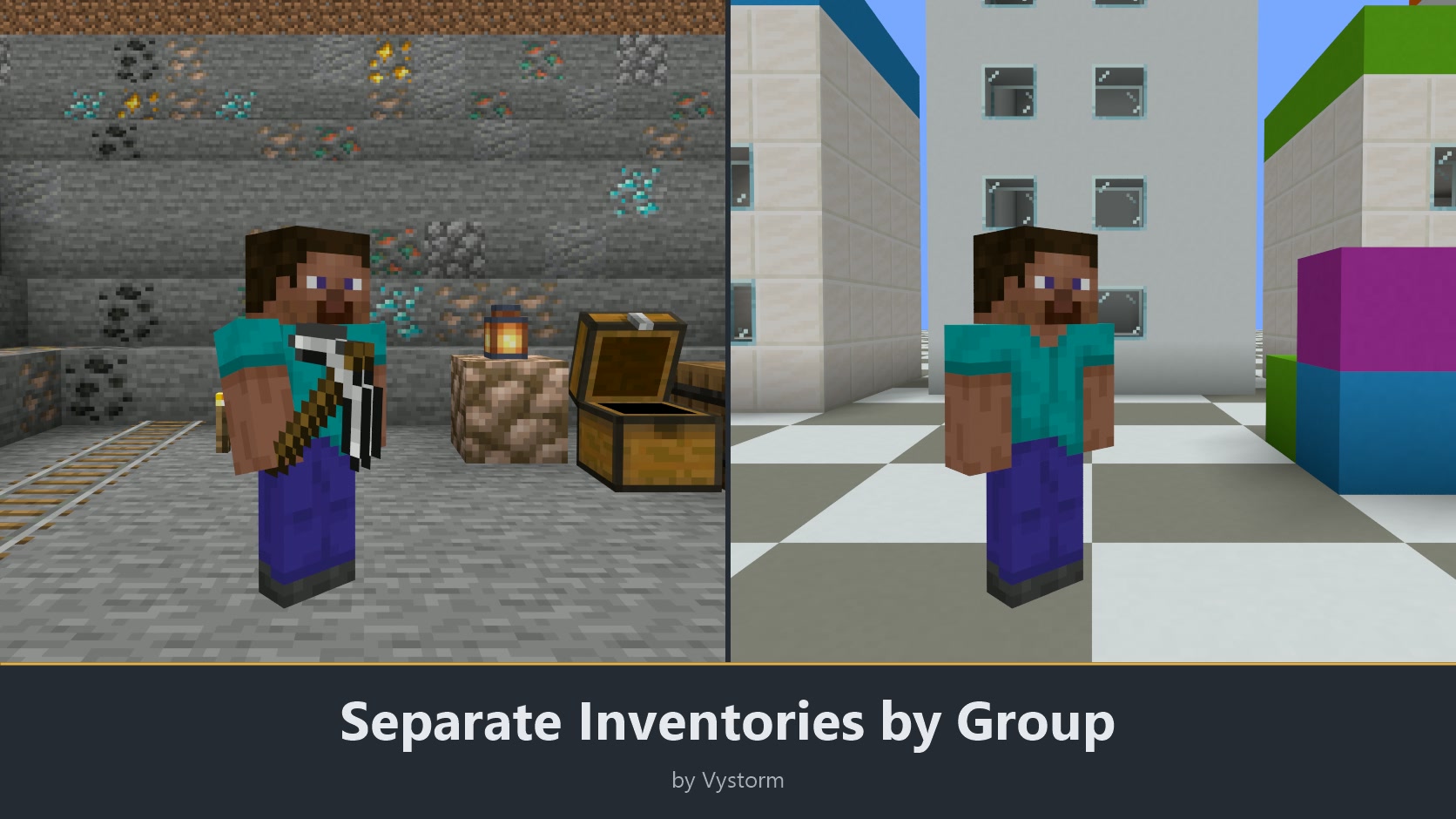
- A separate inventory per group of worlds, for example survival and creative.
- Timed visits to prepared worlds, with their own inventory stored safely meanwhile.
Features
Worlds
- Create worlds in a dialog or with
/worlds create NAME: normal, nether, end, flat, void, amplified or large biomes, with a seed, structures on or off, any generator plugin, and a linked nether and end in the same step. - Give a world its own build height, for example from -128 to 512 (
min-y:-128 height:640). This needs a 26.x server and the world appears after the next restart. - Import existing world folders with
/worlds import. A clickable list shows what can be imported. - Load, unload and clone worlds:
/worlds load,/worlds unload,/worlds clone WORLD NEW. - Regenerate or delete a world only after typing its name. The old files move to a backup folder.
- Worlds load on server start, after every generator plugin is ready. A world whose generator is missing stays unloaded and is never generated as vanilla terrain.
- Worlds that other plugins loaded are taken into the list, hidden and untouched.
- Reset a farm world on a schedule:
/worlds set WORLD reset "daily 04:00", with warnings 10 and 1 minute before and rotating backups. - Set a world border per world (
/worlds set WORLD border 2000) and its centre. - Run shrinking border events on a schedule: the border shrinks, holds and grows back, with warnings before it starts.
Rules per world
- Set display name, description, icon and spawn. Arriving players see name and description as a title.
- Fix the game mode on entry, and set difficulty, PvP, monsters, animals, hunger, flying and loaded spawn chunks.
- Lock the time (day, noon, sunset, night, midnight or exact ticks) and the weather (clear, rain, thunder).
- Players respawn in the world they died in, or in a respawn world you choose.
- Limit entry by permission (
vystormworlds.enter.<world>), by a price once or per visit (Vault), or by a player limit. Worlds can be hidden from the selector.
Players
/worldsopens the world selector, also from the Core main menu. Left-click travels, right-click goes to the spawn.- Shift-right-click bookmarks a world. Favorites come first, and
/worlds favoritesopens them directly. - Each player chooses where to arrive:
/worlds arrival lastreturns to the last position,/worlds arrival spawngoes to the spawn. - Teleports load the target chunks first and then look for a spot without lava, fire, cactus, suffocation or void.
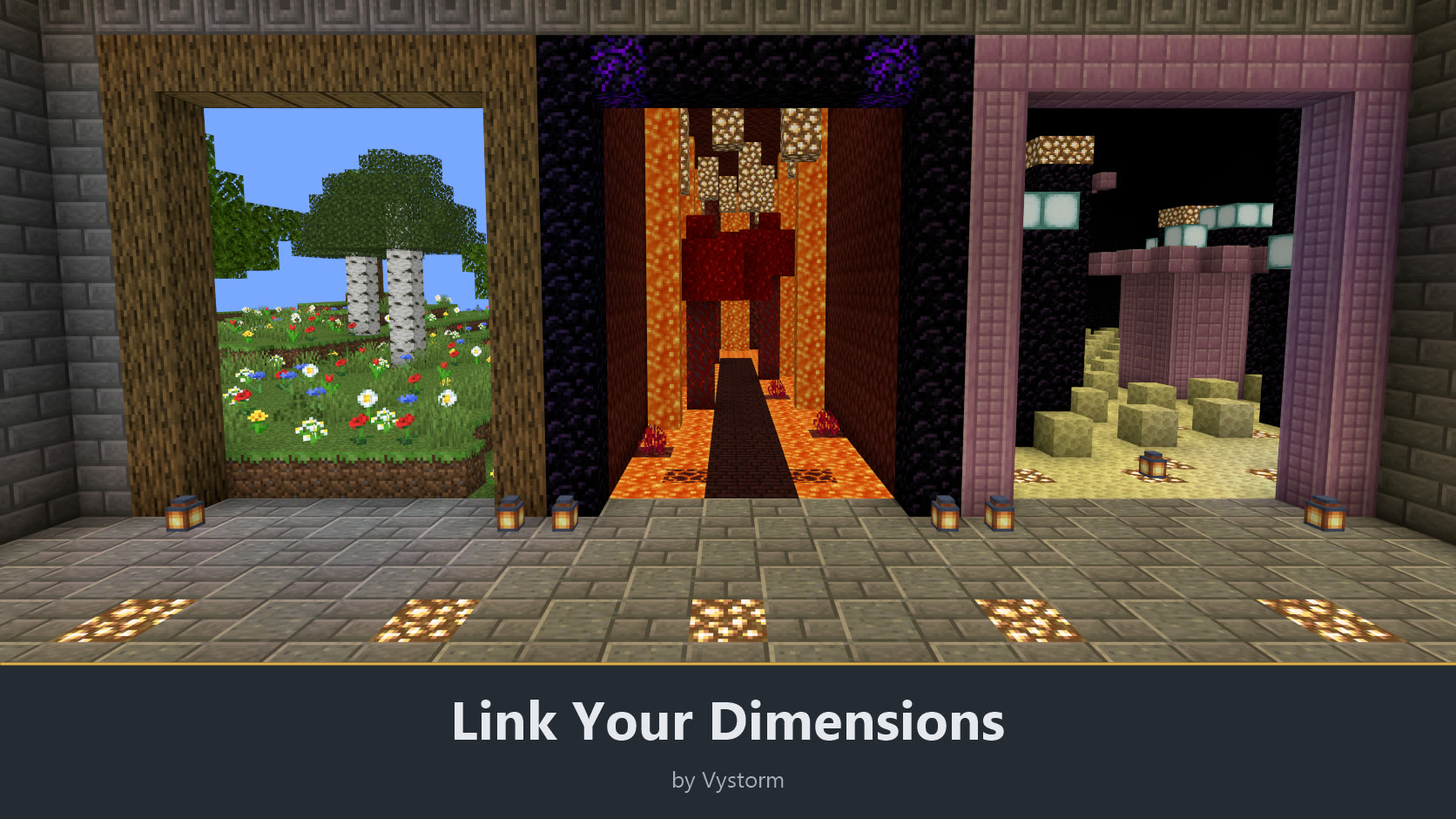
- Nether and end portals lead to the linked nether and end of the world, with 8:1 scaling and the end platform. With the portals switch off, vanilla portals apply. Worlds named
<world>_netherand<world>_the_endlink on their own, others with/worlds link. - World groups share inventory, armour, ender chest, XP, health, hunger and effects. Crossing into another group swaps them. The old state is written to disk before anything changes, so a crash leaves either the old or the new state.
- Visit templates: admins define a small flat or island world with
/worlds template create, players enter with/worlds visit NAMEfor a set time and return with/worlds leave. Core stores their inventory during the visit.
Admins
/worlds adminshows every world with state, players, chunks and entities. A click opens the world menu with all properties, or use/worlds settings WORLDfor a settings dialog and/worlds set WORLD PROPERTY VALUEfor the command line./worlds listis a clickable chat list./worlds info,/worlds groupsand/worlds generatorsgive the overviews.- Any generator plugin works with
generator:Pluginorgenerator:Plugin:id. Other plugins can register presets through the API. - Worlds registers 10 placeholders under the namespace worlds (the player's world, its group, kind, players, limit and next reset, the number of worlds, template visits), for example
%vystorm_worlds_world%and%vystorm_worlds_world_players_lobby%. Core passes them on to PlaceholderAPI, so other plugins can show them when PlaceholderAPI is installed. - A first-run setup asks a few questions, and a short tutorial sits in the Core main menu.
Switch features on and off
Every feature has its own switch in config.yml and in game under /vadmin features, each with a one-line description in seven languages: creating and managing worlds (management.enabled), custom build height, scheduled resets, world borders and border events, world rules, entry rules, the world selector, favorites, safe teleports, linked portals, world groups, visit templates and the admin menu. The plugin has no master switch.
A change applies at once, without a restart. Only tutorial.enabled needs a restart. A command of a switched-off feature answers "This feature is switched off on this server." and its menu entries disappear. It also disappears from tab completion and help at once. Nothing in worlds.yml or the player data is changed by a switch, so saved worlds, favorites, links and per-world values stay.
Without a switch are the read-only overviews and the commands that edit per-world values (/worlds list, info, groups, generators, help, reload, set, setspawn, link), how a world is presented (name, description, icon, spawn, hidden), the generator API for other plugins and the first-run setup. The per-world values themselves follow the switch of the feature they belong to.
Setup
- Put Vystorm Core 0.65.0 or newer and Vystorm Worlds into
plugins/and start the server. - The plugin comes preconfigured. Your existing worlds appear in
/worlds adminright away. - Edit the settings in the file or in game with
/vadmin config VystormWorlds. World properties are stored inworlds.yml. - Seven languages: English, German, French, Italian, Brazilian Portuguese, Russian and Simplified Chinese. Each player gets the language of their client.
- Tested on Paper and Purpur 26.2, Paper 1.20.6 and Spigot 26.2. Java 21 or newer (26.x servers need Java 25). Custom build heights need 26.x.
- Optional: Vault or VaultUnlocked for entry prices, VystormPortals for portal previews of the linked worlds.
Main command /worlds, aliases /vw and /mvw. Permissions: vystormworlds.use (everyone) for selector, favorites and travel, vystormworlds.admin (op) for everything else, vystormworlds.bypass and vystormworlds.bypass.gamemode (op). All commands and world properties are in the README on GitHub.
There is one update every month. If the plugin works well on your server, please leave a review.
More from Vystorm: Vystorm Core, Rails, Portals, CustomTrees, XPVaultEconomy, BlockIntegrations, Veins, Winter Is Coming, Insomnia, Gallery, Paddock, Snapshot, Boards, Estates, Chat and Locks, all free.
Free and open source (GPL-3.0): source code on GitHub
Information
Pinned Versions
- R1.20.6–26.3
Pages
Members
1
Owner