
Player XP as your Vault currency: payments, XP cheques, requests, bill splitting, online bonus, leaderboard.
Requires Vystorm Core 0.65.0 or newer (free) and VaultUnlocked
XPVaultEconomy
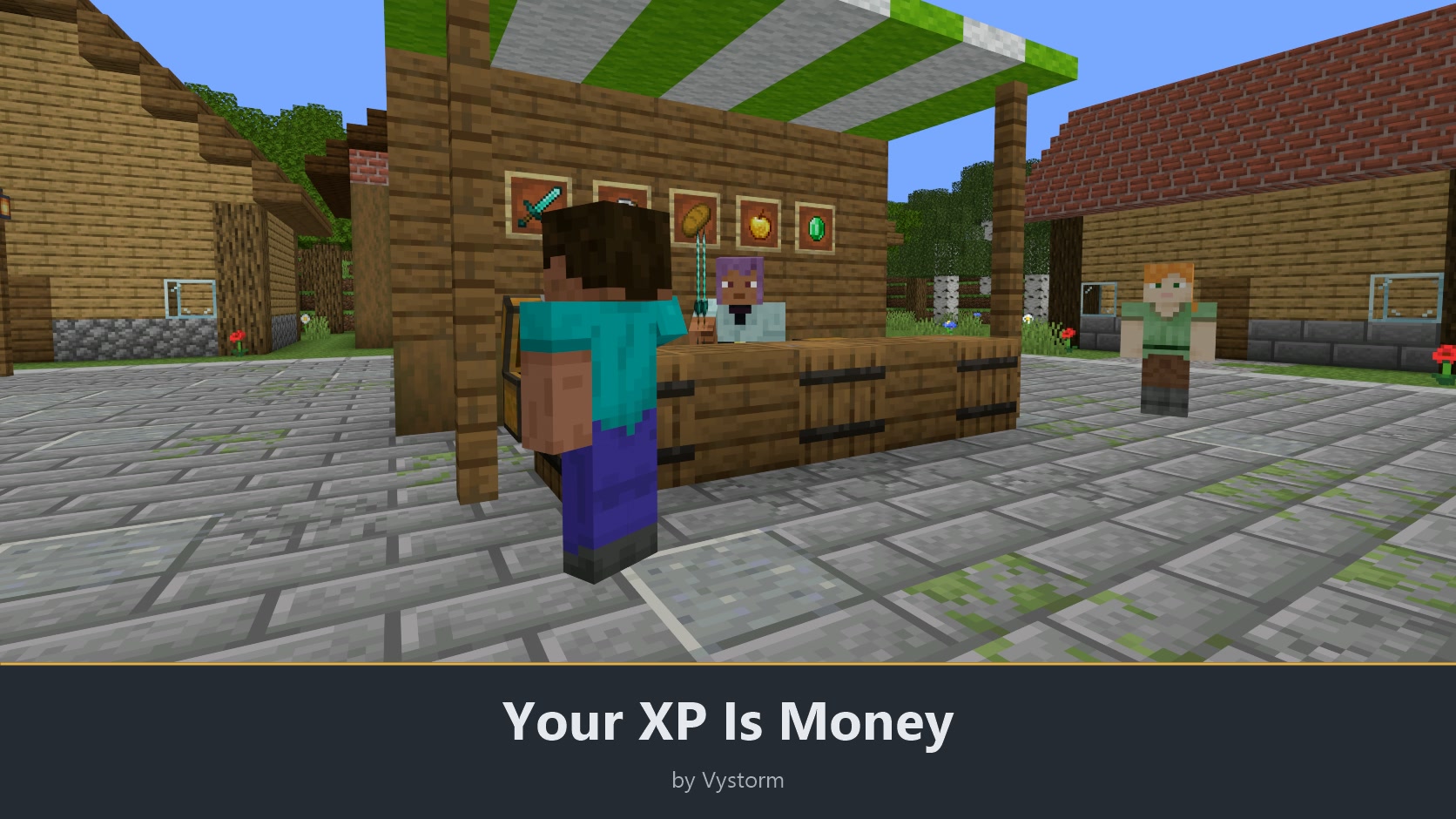
Minecraft experience is your server's money. One XP point is one coin.
XPVaultEconomy is a Vault economy that uses the real XP bar as the balance. When a shop plugin charges 500, those 500 points come off the player's experience, and paying someone moves XP from one bar to the other.
What players get
- A balance they can see at any time: their own level and XP bar.
- Payments with
/pay, payment requests and split bills. - A small XP bonus for every minute they stay online.
- Shared XP banks, standing orders, term deposits with interest and donation goals.
- Paper cheques they can trade, sell in chest shops or store in a chest.
Features
XP as currency
- Use XP as the Vault currency: every deposit, withdrawal or payment from any Vault plugin changes level and XP bar right away.
/moneyshows the balance. - Keep what players already have: the XP a player owns on first join becomes the starting balance.
- Turn XP into cheques with
/economy cheque 500 3. A right-click redeems one, and each cheque works exactly once, so copies are worthless. - Open the account menu with
/economyor from/vmenu: balance, bonus, payments and a button for every part of the plugin. A short tutorial is under/vmenu. - Open the same account as a web page with
/economy web, if Vystorm Core's web panel is on.
Paying each other
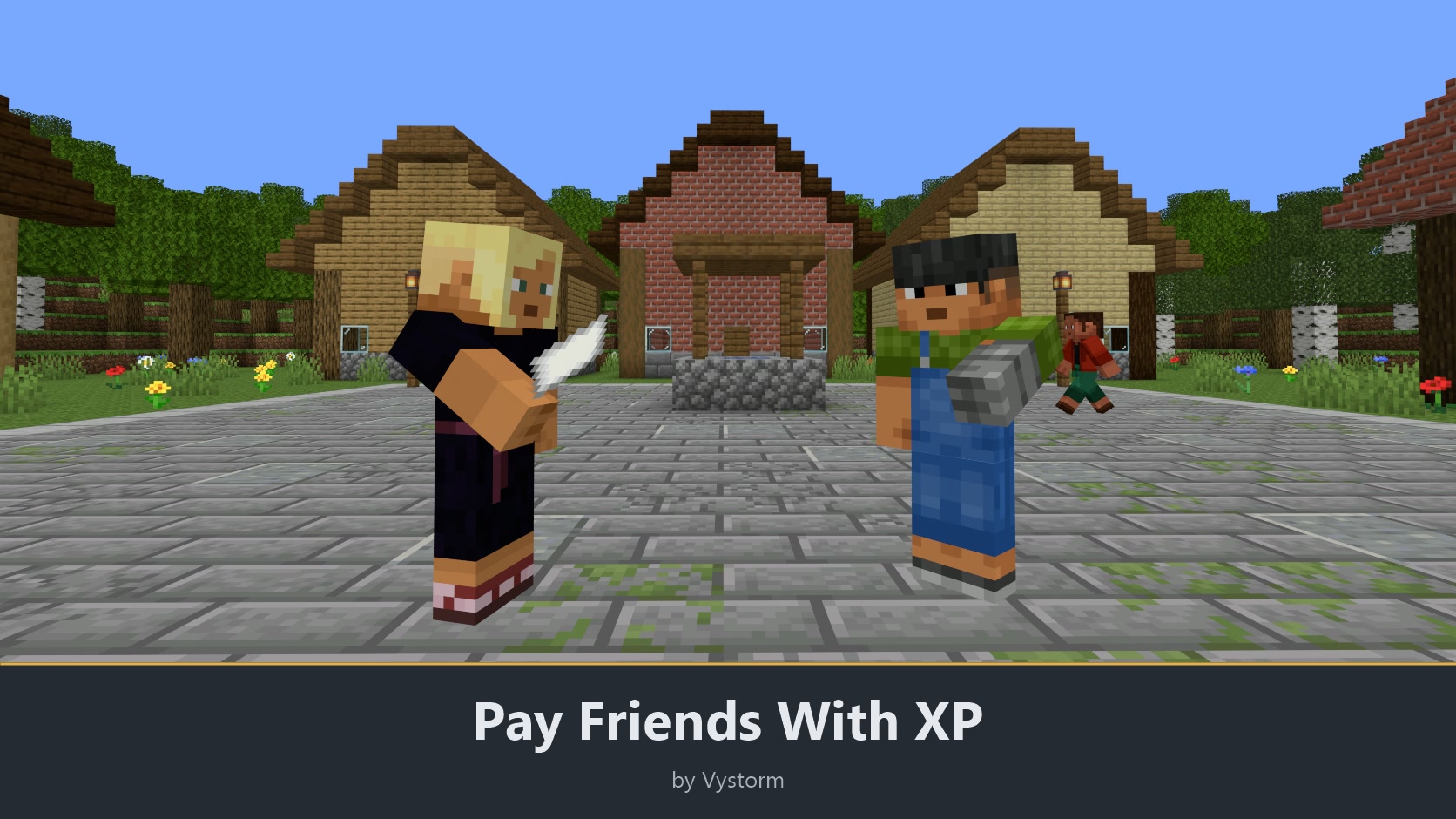
- Pay a player with
/pay <player> <XP>. A confirm step shows the level you end up at. Amounts acceptkandm(/pay Steve 2.5k), and you can save up to 20 favourite payees. - Ask someone for XP with a reason, or split a bill across up to 16 players. Each payer confirms their own share, open requests expire after 24 hours, and players can block requests from one person.
- Sneak and right-click a player to pay them, request XP, set up a standing order or add them to your bank from Core's player menu.
- Cap your own single payments and your daily total with
/economy limits. - See your last bookings with
/economy historyand export them to CSV./economy privacy onhides your balance from other players. - Open a statement for the last 1, 7 or 30 days with
/economy statement: incoming, outgoing and net XP by booking type. - Set a savings goal with
/economy goal set 10000 Equipmentand watch the progress. - Get one line on join that says how much came in while you were offline, and from whom.
- Compare balances on the leaderboard with
/baltop.
Earning and saving
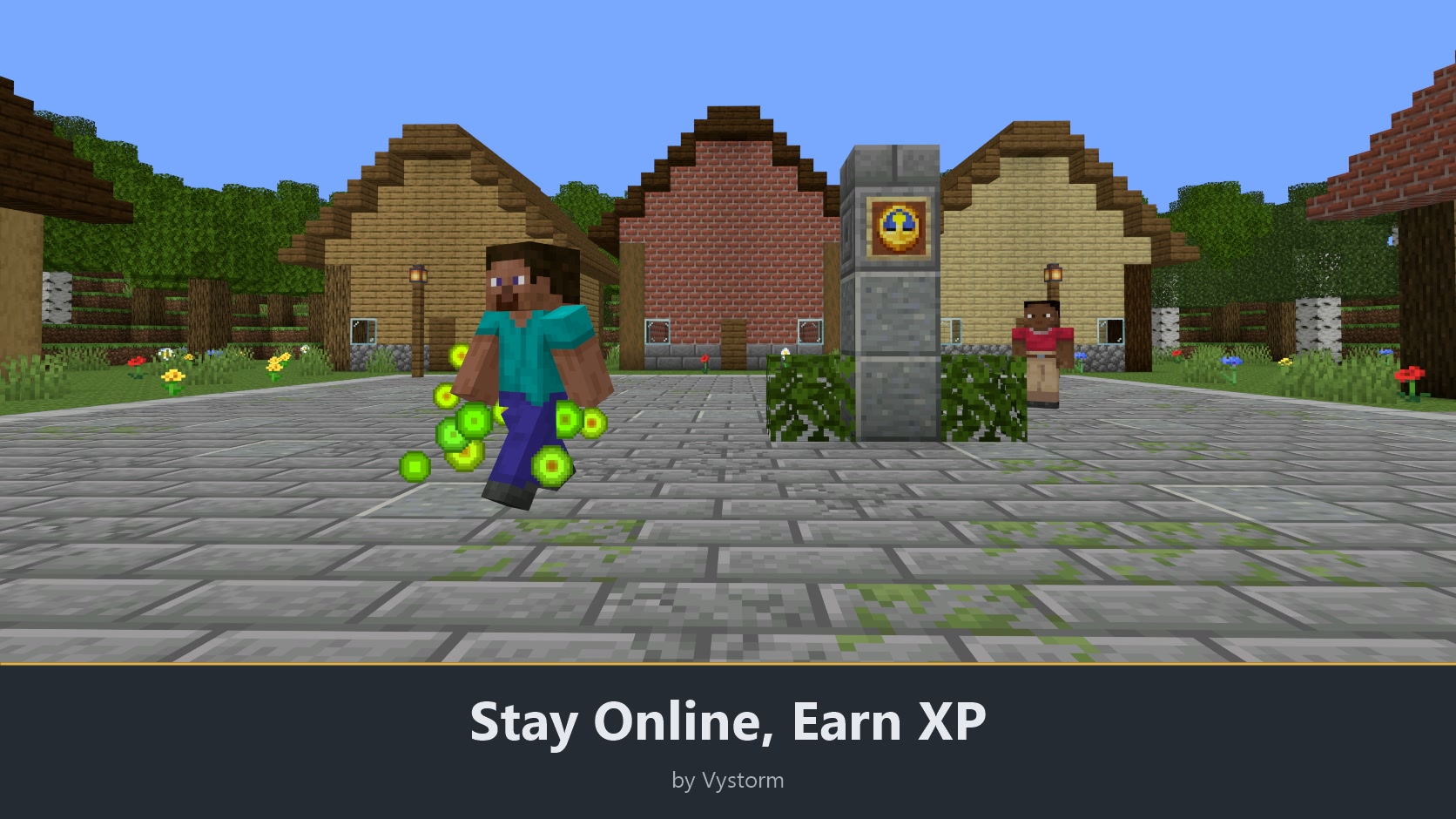
- Earn the online bonus: by default 2 XP after the first minute, growing 2 % with every further minute. A disconnect of up to 30 minutes keeps the streak. A chat or action-bar line reports each bonus, and
/moneyshows the bonus status. - Pause the bonus for idle players with the optional AFK pause.
- Share XP in a bank with
/economy bank: a named pot for a team or a town with members, rights and limits per member, and a booking history. XP in a bank is safe when you die. - Pay rent or wages with a standing order:
/economy standing add Steve 500 1dpays Steve 500 XP every day, also while you are offline. - Lock XP as a term deposit with
/economy termfor 1, 7 or 30 days and get it back with interest (1 %, 5 % and 15 % by default). - Collect for a project with a donation goal:
/economy fundopens a public goal with a target and a deadline. If the target is missed, every donor gets their XP back.
For admins
- Change balances with
/economy admin give|take|setand look up a player's latest bookings with/economy admin history <player>. - Choose the storage: a local file by default, or Vystorm Core's shared MySQL or MariaDB database, so one balance follows a player across a network.
- Show balance, level, rank, leaderboard places, XP in banks, savings goal progress, the online bonus streak and the number of accounts in other plugins: values such as
%vystorm_xpvault_balance%come from Vystorm Core, which passes them on to PlaceholderAPI when it is installed./vadmin placeholders xpvaultlists them.
Switch features on and off
Every feature except XP as the Vault currency and the admin tools has its own switch in config.yml and in game under /vadmin features. A switched-off feature answers "This feature is switched off on this server." and disappears from tab completion and menus. Changes apply at once, without a restart. Only tutorial.enabled and the storage choice storage.type need a restart.
XP as the Vault currency, the starting balance and /money are the plugin itself and have no switch; to stop them, remove the plugin. The admin tools (/economy admin ...) have no switch either, so a switch cannot lock an admin out. The plugin has no master switch.
No switch takes or deletes XP. Banks, requests, standing orders, term deposits, donation goals and cheques stay stored. Issued cheques still redeem, running term deposits are still paid back, and donation goals are still paid out or refunded while their switch is off. A feature that needs another switch names it, for example requests need payments.enabled.
Setup
- Install Vystorm Core 0.65.0 or newer and VaultUnlocked (it registers as Vault).
- Put the XPVaultEconomy jar into
plugins/and start the server.
The plugin comes preconfigured. On a new install, admins can answer a few setup questions or take the recommended settings. All texts ship in seven languages (English, German, French, Italian, Brazilian Portuguese, Russian, Simplified Chinese), picked per player. You edit the config in game with /vadmin config XPVaultEconomy.
Compatibility: Tested on Paper and Purpur 26.2, Paper 1.20.6 and Spigot 26.2. Java 21 or newer.
Commands and permissions
| Command | What it does | Permission |
|---|---|---|
/money [player], /bal |
Show a balance | xpeconomy.balance (everyone); others: xpeconomy.balance.others (OP) |
/pay <player> <XP> |
Pay a player; also favourites, requests, splits, limits | xpeconomy.pay (everyone) |
/baltop [page] |
Leaderboard | xpeconomy.top (everyone) |
/economy (/xpeconomy, /xpeco) |
Account menu and all subcommands | xpeconomy.balance (everyone) |
/economy cheque, bank, standing, term, fund |
Cheques, banks, standing orders, term deposits, donation goals | xpeconomy.cheque, .bank, .standing, .term, .fund (everyone) |
/economy admin ... |
Balances, bookings, info, reload | xpeconomy.admin (OP) |
The full command table is in the README on GitHub.
XPVaultEconomy gets at least one update every month. If it works well on your server, a review helps other server owners find it.
More from Vystorm
Vystorm Core, Vystorm Rails, VystormPortals, CustomTrees, BlockIntegrations, Vystorm Veins, Winter Is Coming, Vystorm Insomnia, Vystorm Gallery, Vystorm Paddock, Vystorm Snapshot, Vystorm Boards, Vystorm Estates, Vystorm Chat, Vystorm Worlds and Vystorm Locks, all free.
Free and open source (GPL-3.0): source code on GitHub
Information
Pinned Versions
- R1.20.6–26.3
Pages
Members
1
Owner