Welcome to the Hangar Open Beta. Please report any issue you encounter on GitHub!

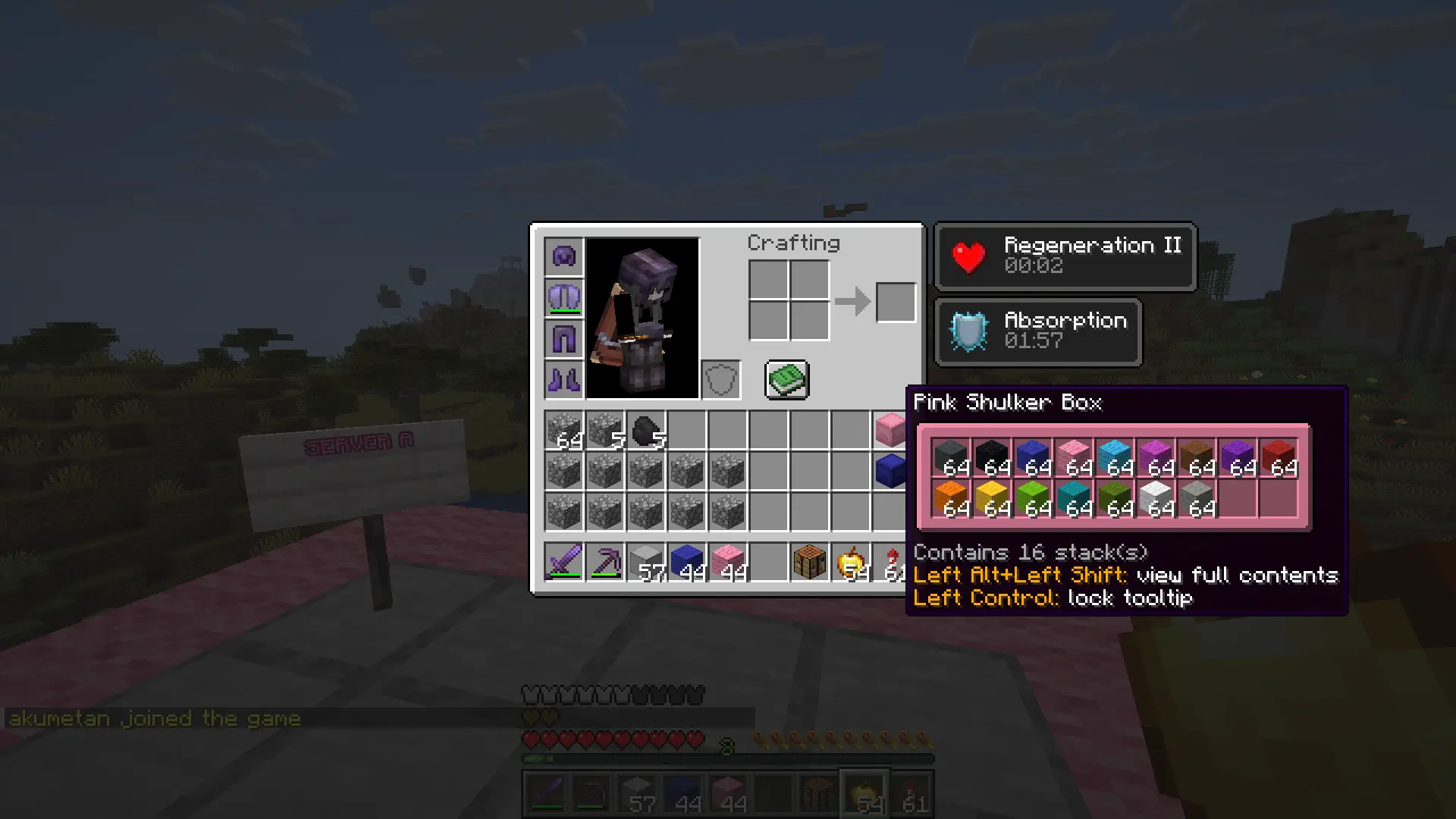
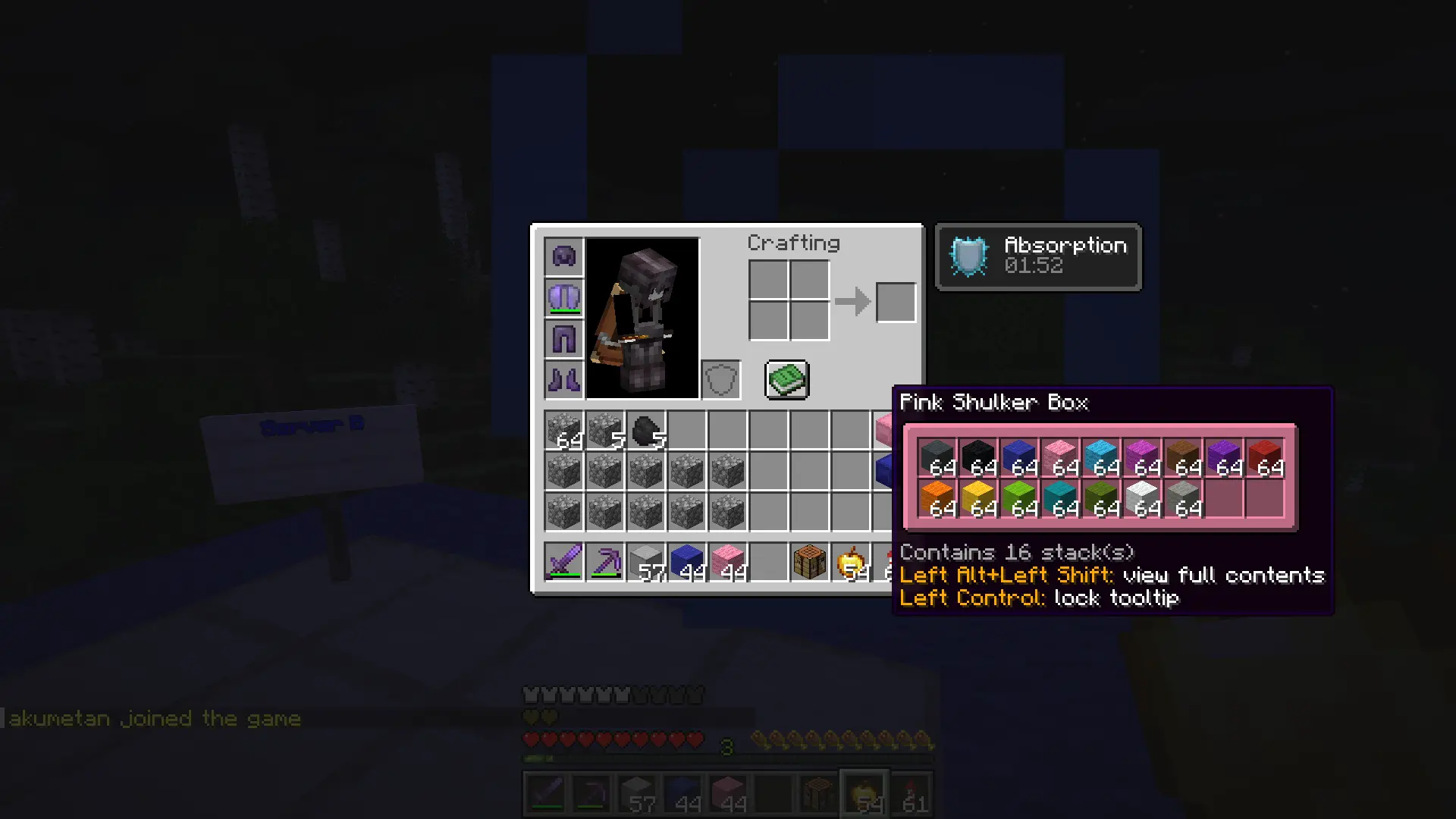
A lightweight multiserver player data synchronization plugin using MariaDB/MySQL.
A lightweight multiserver player data synchronization plugin using MariaDB/MySQL.
 |
 |
Features
- Data-lock mechanism to make data transfers secure and avoid item-duplication
- Modular design: Only sync the player data you need
- Fully customizable via config.yml
- Configurable Auto-saving
- Stupidly fast data synchronization
Supported Modules
- Inventory
- Ender Chest
- Health and Food
- Experience
- Potion Effects
- Fire Ticks
- Game Mode
Commands

Permissions
- playerdatabridge.admin » Allows using /pdb commands
Installation
- Download the plugin file.
- Drop the JAR file into your server's /plugins folder and (re)start the server.
- Open config.yml and enter your MariaDB/MySQL database credentials.
- Restart the server once more.
- Done!
Support
If you have any questions, suggestions, or found a bug, feel free to reach out on Discord or open an issue on GitHub!
Config
# This is the default config file for PlayerDataBridge.
# This config was generated for version 1.0.

# Configure database constants.
database:
  host: "127.0.0.1"
  port: 3306
  database: "playerdatabridge"
  username: "root"
  password: ""
  # HikariCP maximum pool size. If you do not know what this does, just ignore it.
  max-pool-size: 10

# Enable/disable individual modules to sync.
# IMPORTANT: Disabled modules still save to the database but won't apply in-game. Keep module states identical across all servers to prevent data corruption.
modules:
  inventory: true
  ender-chest: true
  health-and-food: true
  experience: true
  potion-effects: true
  fire-ticks: true
  game-mode: true

# Auto-saving interval in seconds. Use '-1' to disable auto-saving.
auto-save-interval-seconds: 300

# Data lock to prevent race-conditions. Defaults should be fine in most cases.
data-lock:
  # Maximum number of times to retry reading from the database.
  max-retry-attempts: 3
  # Time to wait between retries in ms.
  retry-interval-ms: 100
  # Time until lock remains valid before it expires to prevent permanent lockouts.
  expiration-threshold-seconds: 15

# Fully configurable messages supporting minecraft color constants and hex colors.
# https://docs.papermc.io/adventure/minimessage/format/
messages:
  reload-config: "<green>Configuration successfully reloaded.</green>"
  check-version: "<gray>You are running version <white><version></white> (<white><server_version></white>).</gray>"
  kick-error: "<red>An error occurred while loading your player data. Please try reconnecting.</red>"
Information
Category
Miscellaneous
Published
August 26, 2026
License
Unspecified
0Downloads
0Stars
Pinned Versions
- R26.2
Pages
Members
1
Owner