
Teleport signs with no warps or commands: write coordinates or @player on a sign. Each side can lead somewhere else.
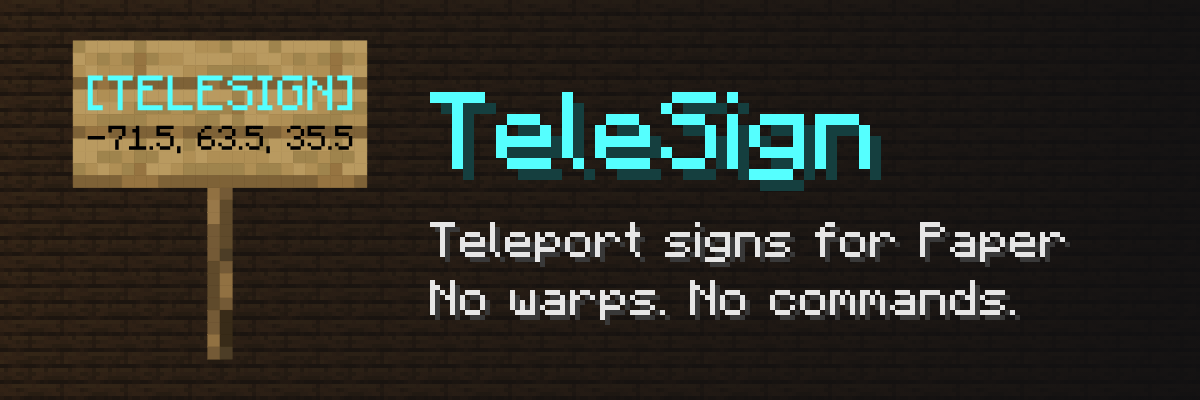
Write coordinates on a sign, and anyone who clicks it is teleported there. No warps to create, no commands to remember, no menus. The sign is the teleport - perfect for spawn hubs, minigame lobbies, adventure maps and server tours.
✨ Why TeleSign?
Most sign plugins need a warp first: set it with a command, then point a sign at it. TeleSign skips that step:
- 🪧 Just a sign - the destination is written on the sign itself: a world, coordinates and, optionally, the direction to face.
- 📸 Snapshot of a player - write
@Steveand the sign leads to the exact spot where Steve is standing right now. - 🔁 Two ways from one sign - the front and the back can each lead somewhere else. Players go where the side they face says.
- 🎨 Looks the way you want - the text of teleport signs comes from the config in the MiniMessage format, with colors and gradients.
🛡️ Built for real servers
- Survives restarts - destinations are stored in the sign block itself, not in a file that can get out of sync.
- Plays nice with protection plugins - if a region does not allow interacting or changing a sign, TeleSign does not teleport or create anything there.
- Only staff create signs - by default only operators can create and break teleport signs; everyone can use them.
- No silent failures - a sign leading to a deleted world tells the player so, and a broken config is rejected with a clear message while the old one keeps working.
🪧 Creating a teleport sign
Write this on a sign (front, back or both):
[TELESIGN]
[world]
[100, 64, -250]
[90, 0]
The last line - yaw and pitch, where the player looks - is optional. Decimals and negative numbers work everywhere.
Or take a player's position:
The last line - yaw and pitch, where the player looks - is optional. Decimals and negative numbers work everywhere.
Or take a player's position:
[TELESIGN]
@Steve
The sign keeps where Steve stood when it was written, rounded to half a block.
⚙️ Configuration
One setting - how a teleport sign looks once it is created:
# Exactly four lines in the MiniMessage format
# Placeholders: <world>, <x>, <y>, <z>, <yaw>, <pitch>
lines:
  - '<aqua>[TELESIGN]'
  - ''
  - '<world>'
  - '<x>, <y>, <z>'
Change it, run /telesign reload, and every loaded teleport sign is redrawn - no restart needed.
📜 Commands and permissions
| Command / permission | Default | What it does |
|---|---|---|
telesign.use |
everyone | Teleports by right-clicking a teleport sign |
telesign.create |
operators | Turns a sign into a teleport sign |
telesign.break |
operators | Breaks a teleport sign |
/telesign reload - telesign.reload |
operators | Reloads the config and redraws the signs |
/tsigns is short for /telesign. All permissions are part of telesign.*.
📦 Requirements
- Paper 26.2 or newer, or a fork such as Purpur - Folia is not supported
- Java 25
💬 Support
Found a bug or have an idea? Open an issue on GitHub - the plugin is open source under the Apache 2.0 license.
TeleSign collects anonymous usage statistics with bStats. You can turn them off in plugins/bStats/config.yml.
Pinned Versions
- R26.2–26.3
Pages
Members
1
Owner