
Real interfaces on a vanilla client: panels, icons, a live cursor. No mods, nothing to install.
Real interfaces on the vanilla Minecraft client. No mods, no Forge, nothing for the player to install: they join with the client they already have, accept the resource pack, and see windows with rounded corners, transparency, the Inter font, item icons and a cursor that follows the mouse.
A plugin for Paper 26.2 that serves clients from 1.21.6 up. Open source, MIT licensed.
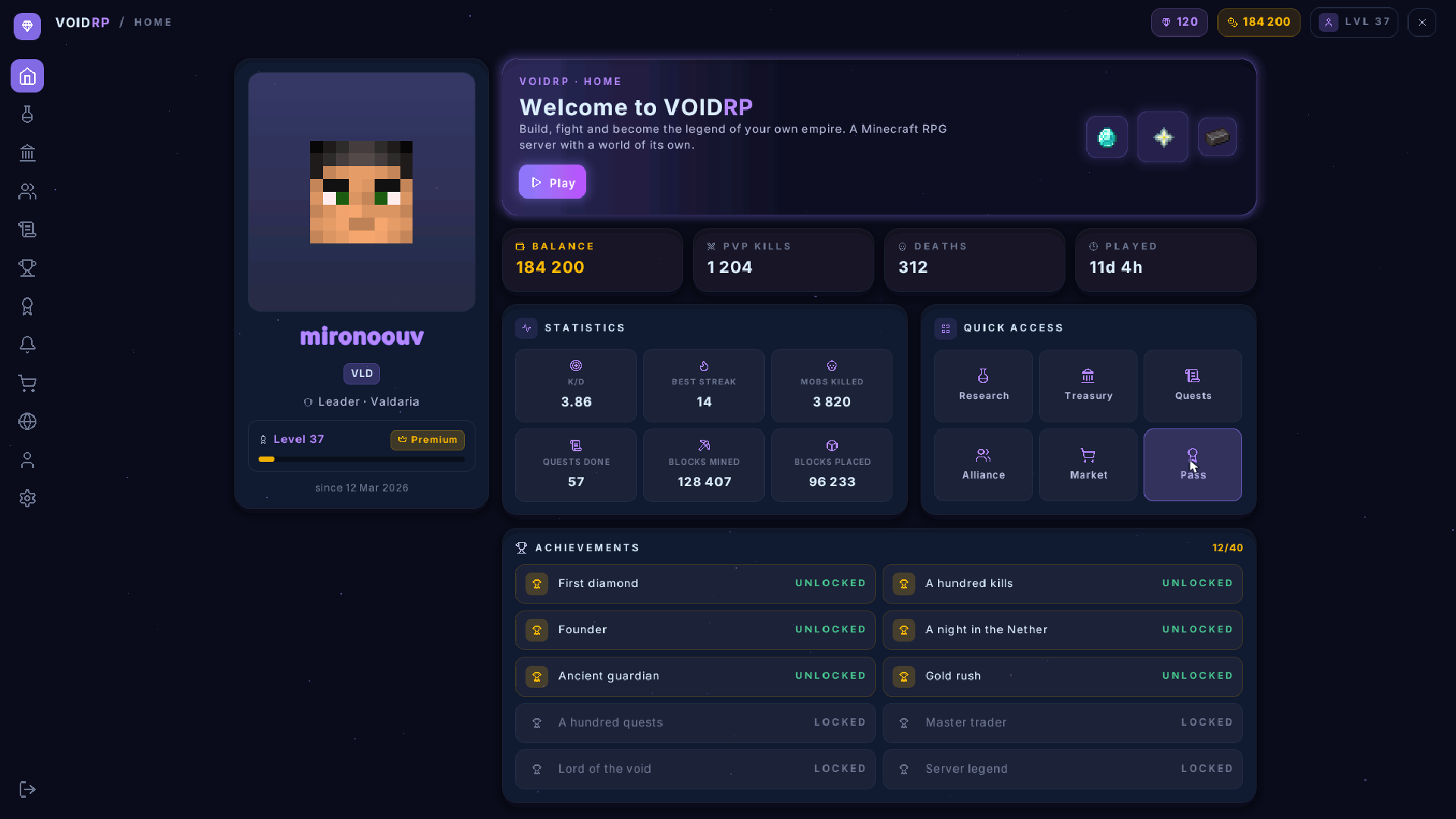
The home page on a vanilla client: the player's own skin, the game's own item textures, and the cursor on the tile it is hovering.
This is not a mockup and not a render. It is a screenshot of a real client. Every rectangle, letter and icon on it travels as one line of text inside an invisible boss bar.
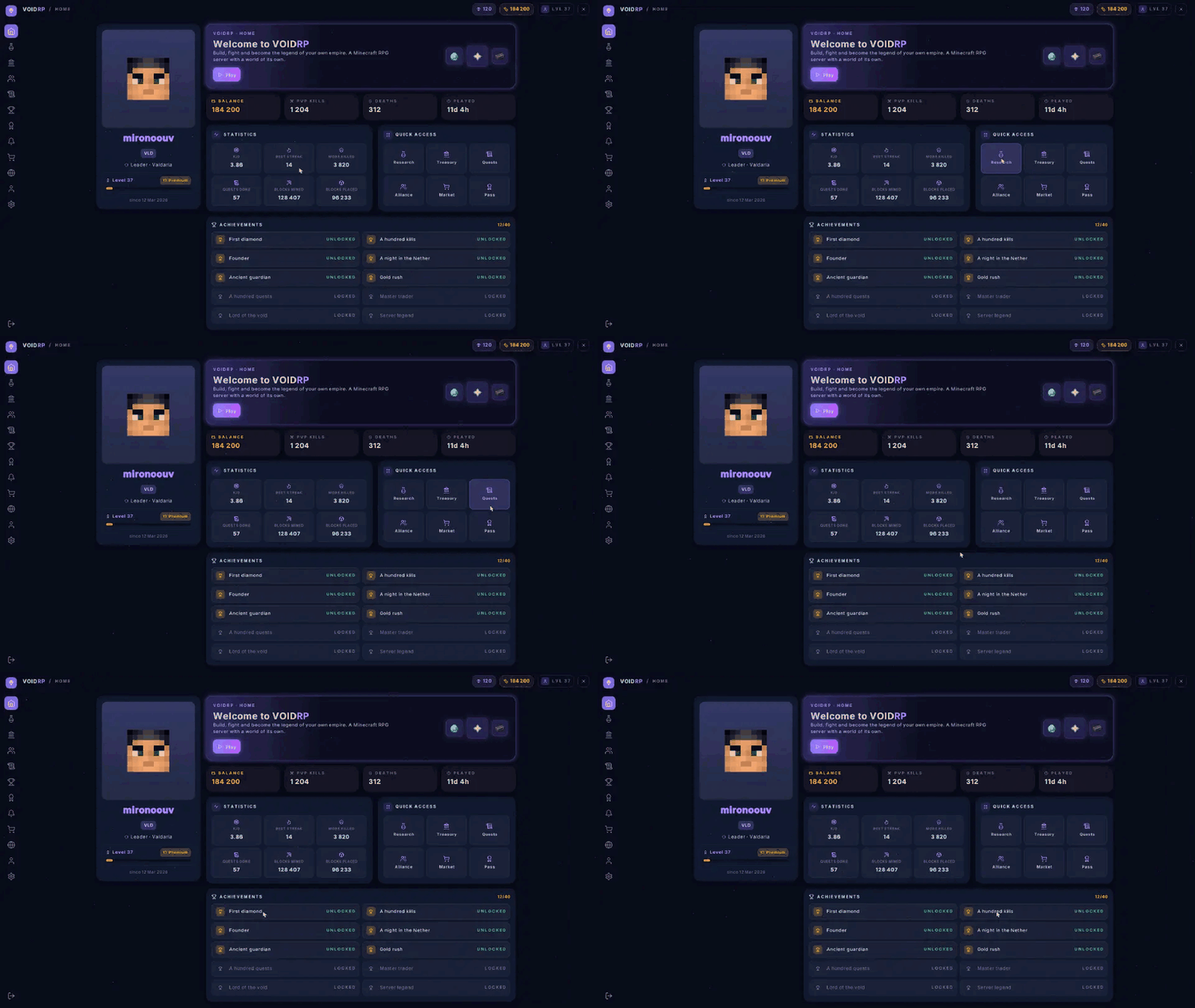
Recorded as it is used: the player turns their head, the cursor follows, and whatever it is over lights up.
Why
In Minecraft, a server's interface is basically a chest with items in it. Anything richer needs a client mod, and very few players will install one. Paid tools like LocoUI can draw interfaces on a vanilla client, but their pages are built in a visual editor and baked into a resource pack: data that did not exist when the pack was built cannot be shown.
Here a page is code, and everything on it is sent from the server the moment it is shown. No rebuilding the pack to add a button.
What a page can have
- Layout: rows, columns and grids that lay themselves out for the player's screen, from 5:4 to 21:9
- Style: backgrounds, 16 levels of transparency, rounded corners, borders, soft shadows and glows
- Text: the Inter typeface in seven sizes and three weights, wrapping, alignment, coloured runs
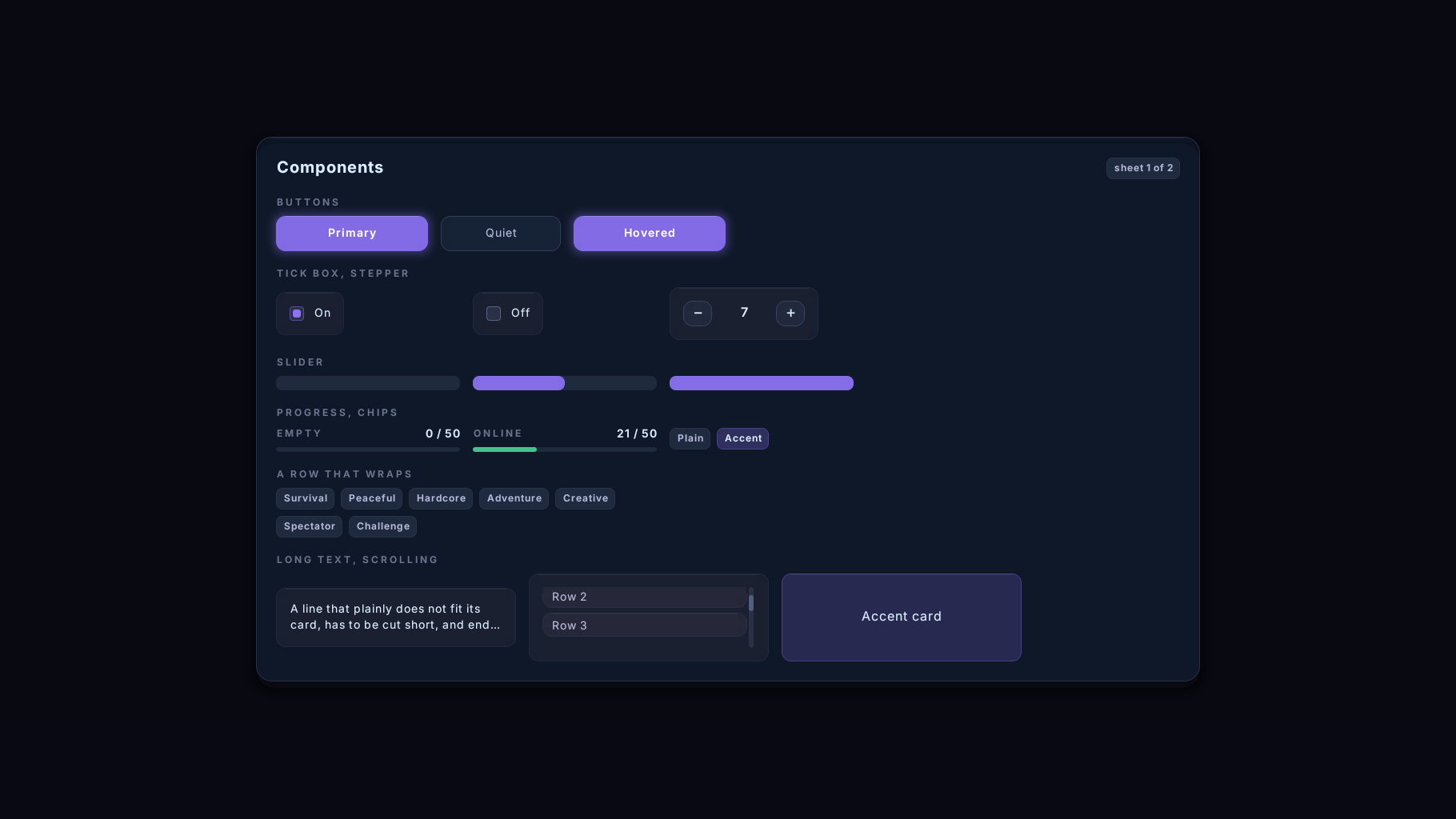
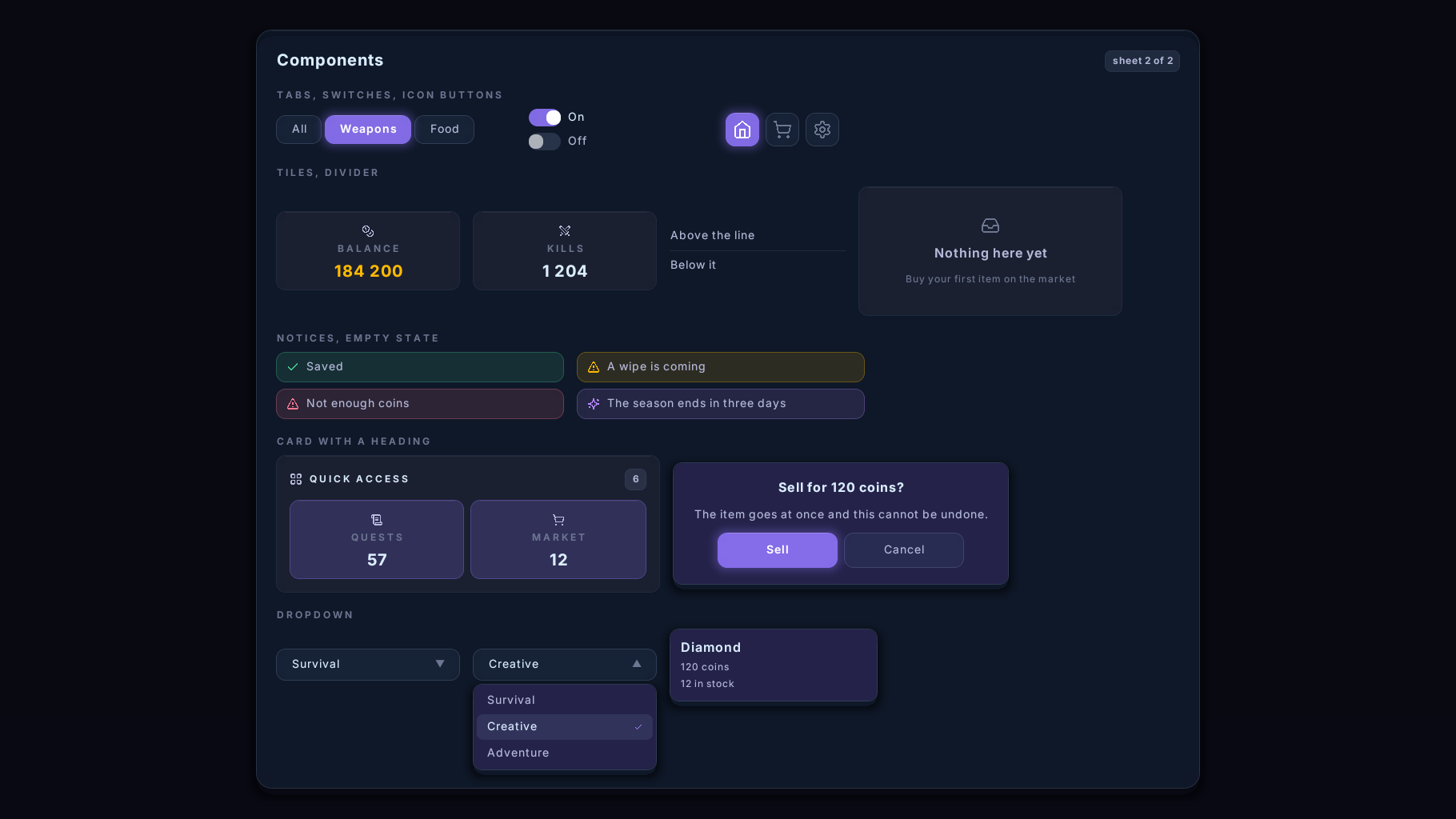
- Components: buttons, tabs, tick boxes, switches, steppers, sliders, dropdowns, progress bars, chips, tiles, notices, dialogs
- Content: scrolling lists, tooltips, players' faces, your own PNG pictures, and 788 vanilla item and block icons
- Input: a cursor driven by where the player looks, clicks, the scroll wheel, number keys, dragging a slider, and text typed into the game's own dialog
- Themes: four in the jar, and your own in a dozen colours
Four looks, one page
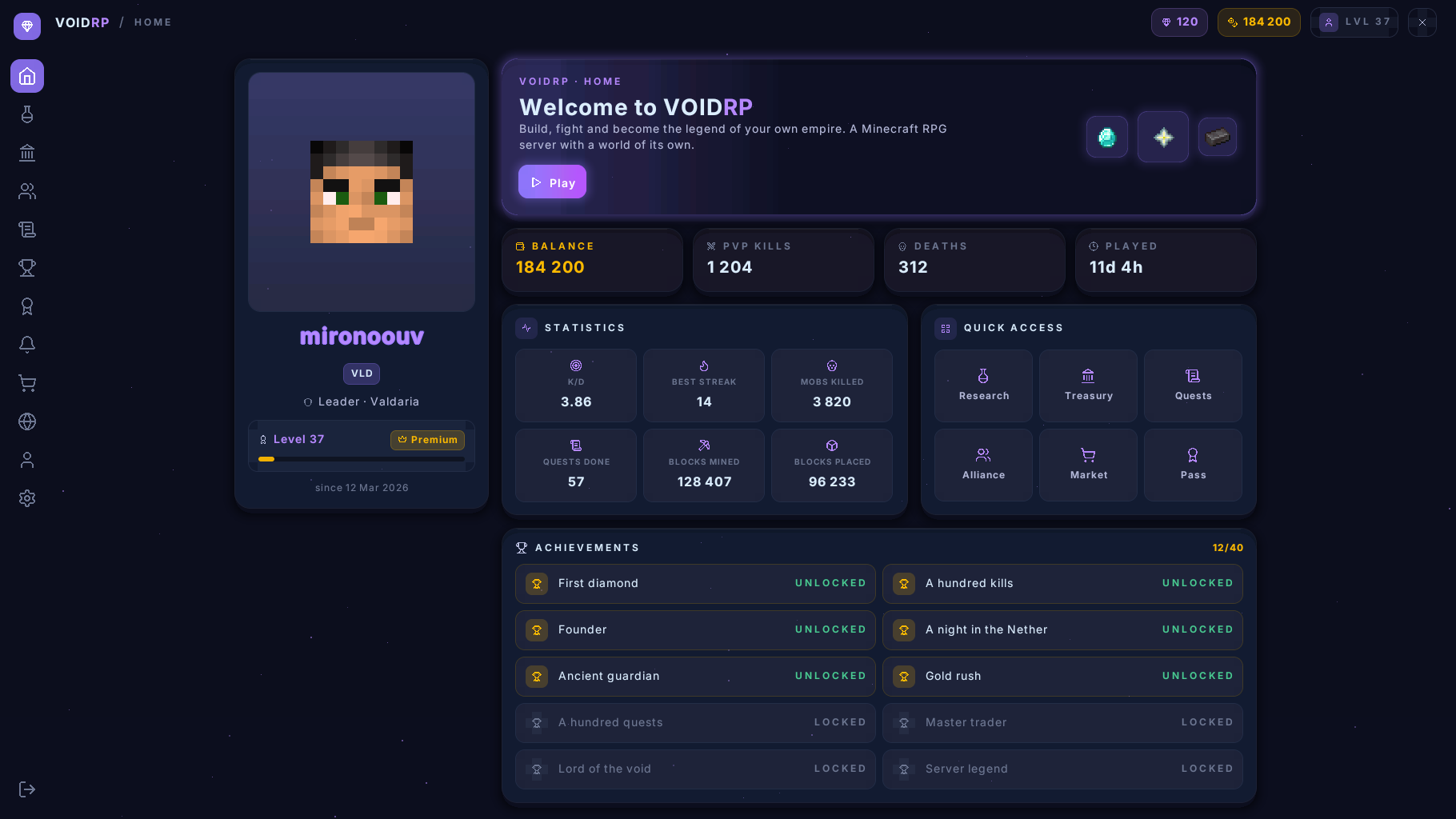 |
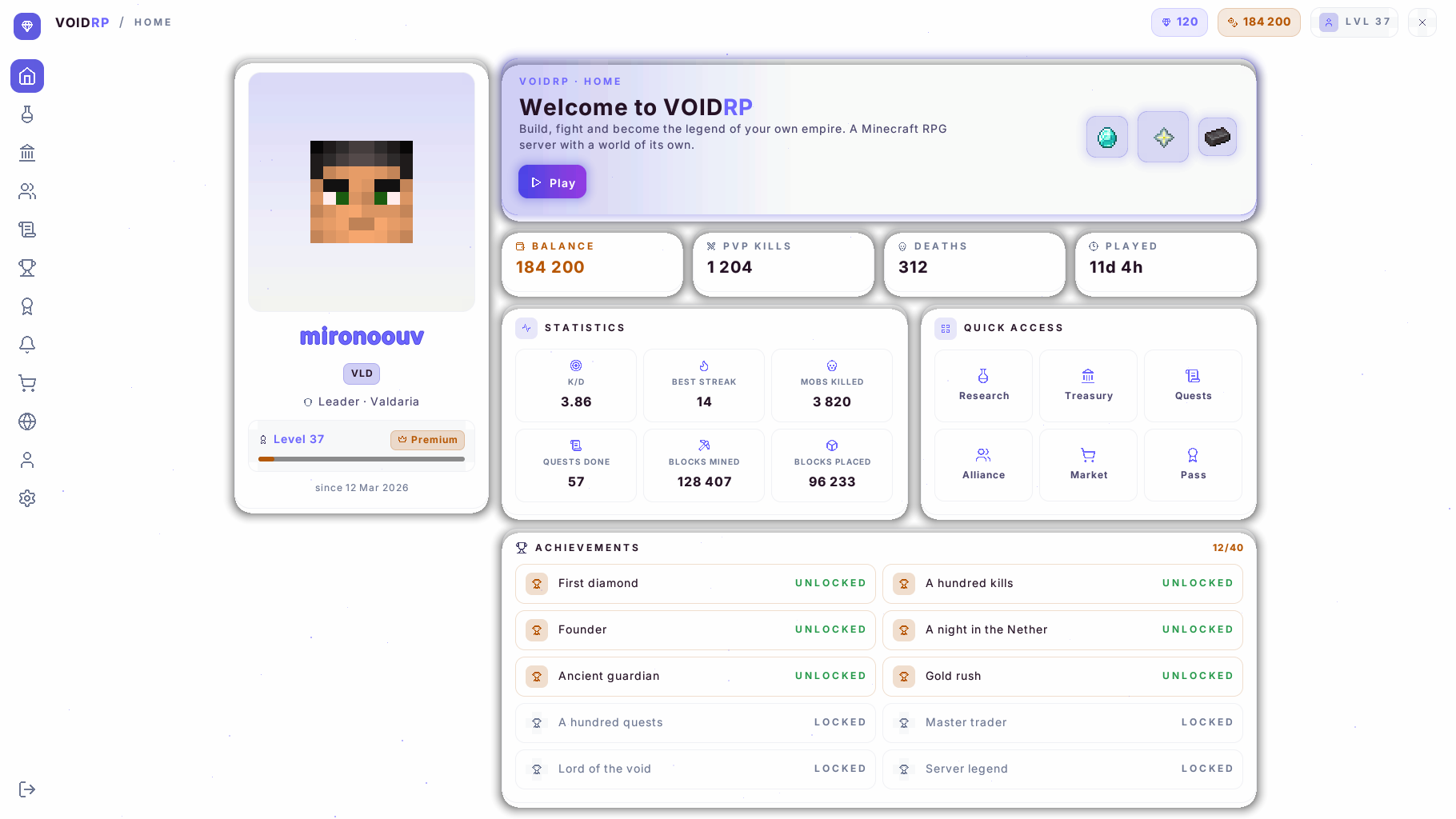 |
| midnight: near-black with violet, the default | daylight: a light theme |
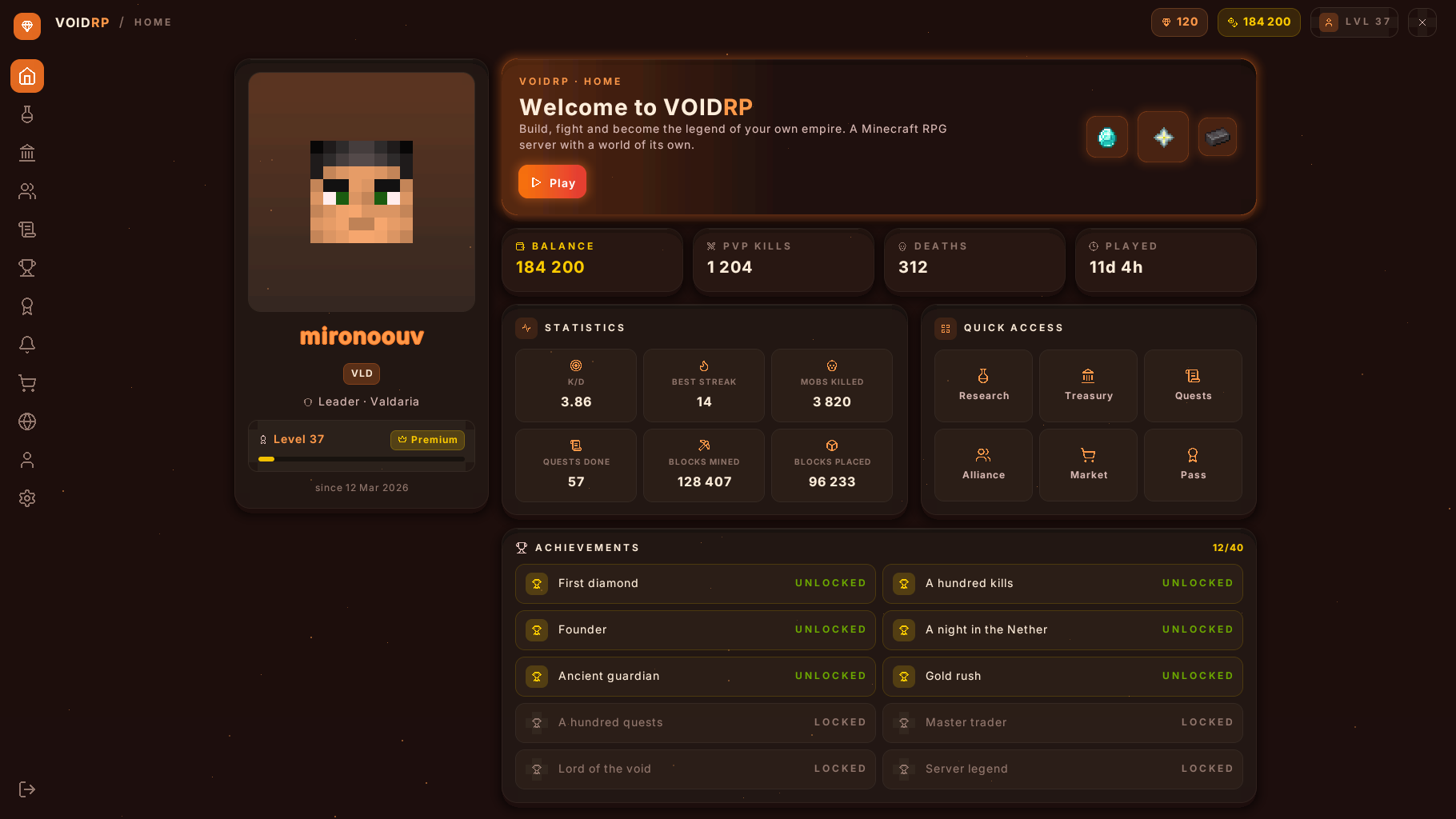 |
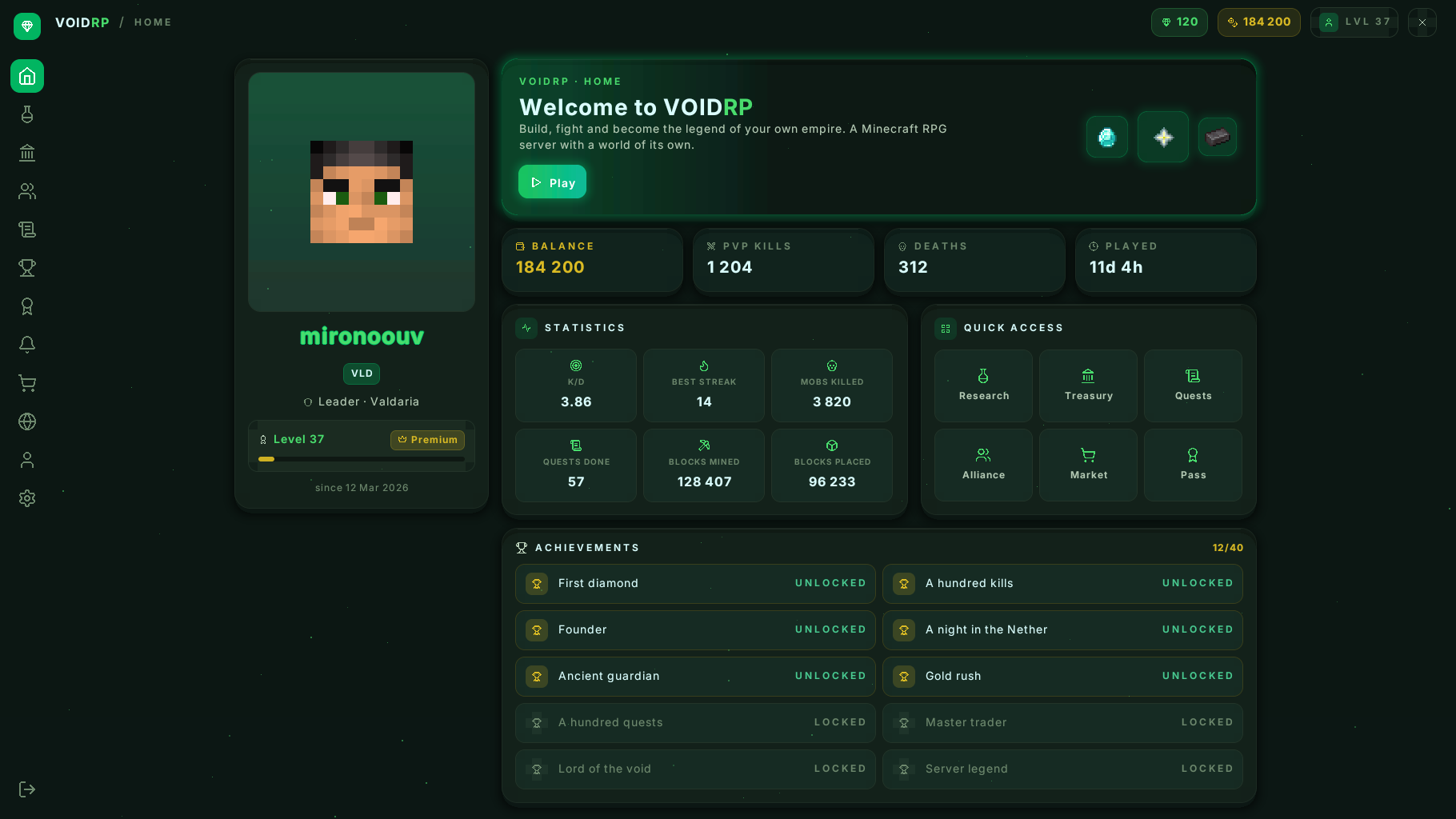 |
| ember: warm dark | grove: dark green |
The same page and the same code. The whole look is a dozen colours in theme.yml.
Installing
- Drop the jar into
plugins/and restart the server. - That is all. The plugin builds the resource pack and serves it itself from a small built-in web server (port
8123).
Port closed, shared hosting, or behind Velocity/BungeeCord? Install the plugin on the game server, not the proxy. Put the pack on any web host, set pack.url, and point pack.publish-dir at that host's folder: the plugin copies the pack there on every start and checks in the log that the address serves the right one.
Optional: PacketEvents. With it the cursor reacts up to 50 ms sooner, players on older clients get the right pack straight away, and other plugins' boss bars are hidden while a page is open.
Try it in game: /vui open for the home page, /vui demo for every component at once.
Clients
| Client | Pack |
|---|---|
| 26.2 and newer | voidrp-ui.zip |
| 1.21.6 – 26.1.2 | voidrp-ui-legacy.zip |
Mojang renamed the text shader in 26.2, so the plugin builds two packs and gives each player the one their client can read. Both have been tried on real clients, including 1.21.6 through ViaVersion, and draw the same page.
For developers
A page is a Kotlin class that answers one question: what do I look like right now?
class ShopPage(private val balance: Int) : Page() {
    override fun view(): View = Panel(
        style = Theme.page,
        width = Size.Fixed(600),
        gap = Theme.SPACE_4,
        children = listOf(
            Text("Shop", Theme.TEXT_H2, Theme.INK, Weight.SEMIBOLD),
            Text("Balance: $balance", Theme.TEXT_BODY, Theme.INK_SOFT),
            button("Buy", id = "buy"),
        ),
    )

    override fun onClick(id: String, button: Button) {
        if (id == "buy") { /* ... */ refresh() }
    }
}
Pinned Versions
- R26.2
Pages
Members
1
Owner